{
"@type": "Article",
"image": {
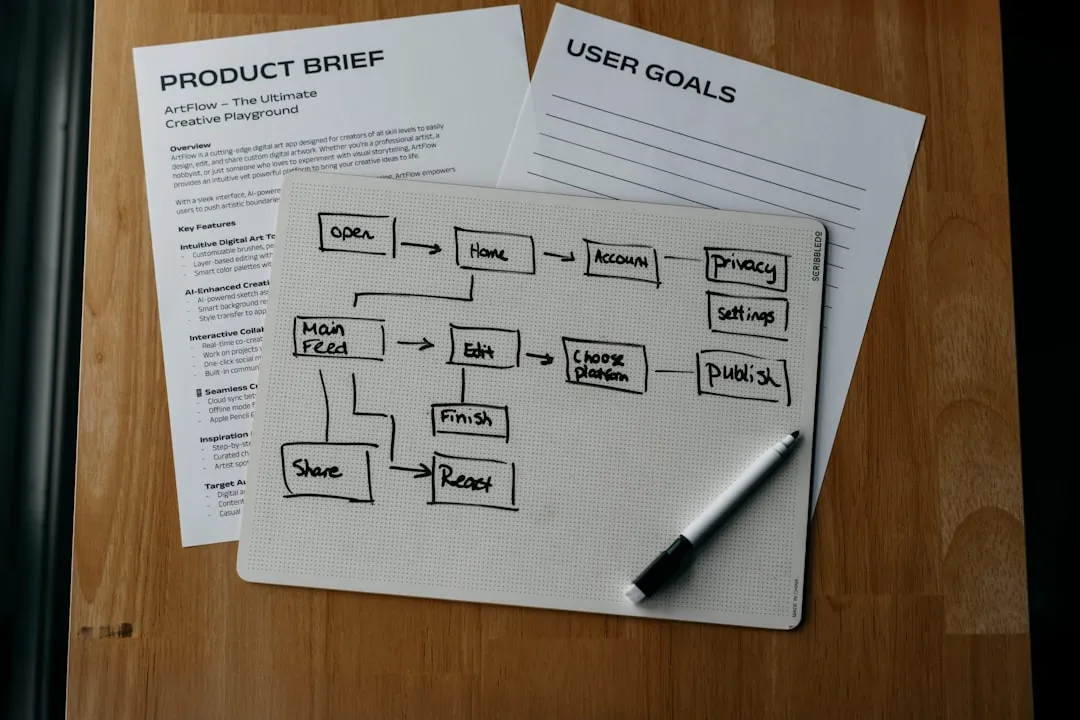
"url": "https://csuxjmfbwmkxiegfpljm.supabase.co/storage/v1/object/public/blog-images/organization-10884/1775530691129_Designer-sketching-ecommerce-visuals-at-desk.jpeg",
"@type": "ImageObject",
"caption": "Designer sketching ecommerce visuals at desk"
},
"author": {
"url": "https://thinknectar.com",
"name": "Thinknectar",
"@type": "Organization"
},
"@context": "https://schema.org",
"headline": "How to design ecommerce visuals that drive more sales",
"publisher": {
"url": "https://thinknectar.com",
"name": "Thinknectar",
"@type": "Organization"
},
"inLanguage": "en-US",
"description": "Learn how to design ecommerce visuals that convert. This guide covers goal-setting, tools, production best practices, and performance optimization for mid-sized and enterprise brands.",
"datePublished": "2026-04-07T02:59:08.458Z"
}
How to design ecommerce visuals that drive more sales
.webp)

TL;DR:
High-quality visuals can boost ecommerce conversions by up to 42 percent.
Continuous testing and updating visuals are crucial for sustained sales growth.
Effective visual strategies align design with platform requirements and customer expectations.
Most e-commerce managers have experienced the frustration of strong traffic that simply refuses to convert. You’ve invested in ads, optimized your listings, and refined your copy, yet shoppers still bounce. The missing lever is often visual design. High-quality visuals can increase conversions by up to 42%, yet most brands treat photography and design as an afterthought rather than a core sales driver. This guide walks you through every stage of building an effective visual strategy, from setting goals and gathering resources to creating assets, testing performance, and iterating for continuous growth.
Key Takeaways
| Point | Details |
|---|---|
| Set clear visual goals | Linking visual strategy to business outcomes ensures your design efforts drive real sales impact. |
| Use the right tools | Invest in scalable creative tools and organized asset management for efficient visual production. |
| Follow proven steps | Apply consistent, branded, and high-quality visuals for every product page to maximize conversions. |
| Continuously improve | Regular testing and updates to visuals based on performance metrics will keep your brand competitive. |
Assess your visual needs and set goals
Before you open a single editing tool, you need to know exactly what you’re trying to accomplish. Visuals without a clear objective are just decoration. The most effective brands start by connecting their visual strategy to concrete business outcomes, whether that’s increasing click-through rates on Amazon, reducing return rates on Shopify, or improving add-to-cart numbers on Walmart.
Start by asking three foundational questions:
-
What does your product catalog look like? A brand selling complex technical equipment needs detailed infographics and explainer videos. A fashion brand needs lifestyle imagery and multiple angles.
-
Who is your target audience? Younger shoppers respond to bold, editorial-style visuals. B2B buyers often want clean, specification-focused imagery.
-
Where are your visuals being used? Platform requirements differ significantly. Amazon enforces strict white-background rules for hero images, while Shopify gives you far more creative freedom.
Once you’ve answered those questions, map your visual types to your goals. Aligning visual strategy with business goals is one of the most reliable ways to boost ecommerce ROI without increasing ad spend.

| Visual type | Best use case | Primary impact |
|---|---|---|
| Product photography | Hero images, catalog listings | Trust, conversion rate |
| Lifestyle imagery | Brand storytelling, social ads | Emotional connection, CTR |
| Infographics | Feature callouts, comparisons | Clarity, reduced returns |
| Video | Demos, unboxings, tutorials | Engagement, time on page |
Tracking ecommerce performance metrics from the start ensures you can tie visual changes directly to revenue outcomes rather than guessing what’s working.

Pro Tip: Before you create anything new, audit your top three competitors’ visual approaches. Look for gaps in their coverage, angles they’re missing, or quality inconsistencies you can exploit. That gap is your opportunity.
Gather tools, resources, and creative assets
With your needs clearly defined, the next step is assembling the right production stack. The good news is that you don’t need a Hollywood budget to produce visuals that convert. You need the right combination of equipment, software, and workflow.
Here’s what a functional visual production setup looks like at different investment levels:
| Tool or resource | Estimated cost | Primary use case |
|---|---|---|
| Smartphone with 48MP+ camera | Already owned | Quick product shots, social content |
| Entry-level DSLR or mirrorless | $500 to $1,200 | Professional product photography |
| Softbox or ring lighting kit | $80 to $300 | Consistent, shadow-free lighting |
| Adobe Lightroom or Photoshop | $55/month | Color correction, retouching |
| Canva Pro | $15/month | Infographics, lifestyle overlays |
| Professional creative agency | Varies | Full-scale production and strategy |
The right creative tools enable fast production without sacrificing quality, but tools alone don’t make the difference. Workflow does. Many brands waste hours hunting for old files, reshooting products that were already photographed, or reformatting assets for each platform separately.
A few non-negotiable workflow habits:
-
Name files consistently using product SKU, visual type, and platform (e.g., SKU123_lifestyle_amazon).
-
Store assets in a centralized DAM (digital asset management) system, even a shared Google Drive folder works at smaller scale.
-
Create platform-specific templates in Canva or Photoshop so resizing is a one-click operation, not a two-hour project.
Knowing when to DIY versus when to bring in professionals is a real strategic decision. Our product photography guide breaks down the quality thresholds that separate acceptable from conversion-driving. For brands scaling across multiple platforms, creative services in ecommerce can dramatically reduce production time while raising output quality.
Pro Tip: Batch shoot or design all assets for an upcoming product launch in a single session. This keeps lighting, tone, and styling consistent across every image and cuts per-asset production time by up to 60%.
Create ecommerce visuals: Best practices and step-by-step
Now comes the part most brands rush, and that rushing is exactly why so many listings underperform. Creating visuals that actually convert requires both technical execution and strategic thinking about what the shopper needs to see at each stage of their decision.
Consistent, on-brand visuals foster trust and increase sales, while detailed images and video drive higher engagement throughout the purchase journey. Both principles need to work together.
Follow these steps for every visual asset you produce:
-
Define the concept. What decision does this image need to support? Hero images build trust. Secondary images answer objections. Infographics explain features. Know the job before you shoot.
-
Build a shot list or design brief. Document angles, props, models, background colors, and text overlays before production starts. Improvising on set wastes time and produces inconsistent results.
-
Shoot or design with platform specs in mind. Amazon hero images require pure white backgrounds at 2000x2000 pixels. Shopify allows creative freedom. Design for the destination, not a generic format.
-
Edit for clarity and brand consistency. Colors should match your brand palette. Shadows should be natural. Text overlays should use your brand fonts. Every image in your catalog should look like it belongs to the same family.
-
Optimize file size without sacrificing quality. A 4MB image that takes three seconds to load on mobile will hurt your conversion rate more than a slightly lower-resolution image that loads instantly.
-
Upload and review in context. Always preview your visuals inside the actual listing or storefront before publishing. What looks great in Photoshop can look wrong at thumbnail scale.
-
A/B test from day one. Never assume your first version is your best version.
Important: Always review platform compliance guidelines before uploading. Amazon, Walmart, and Shopify each have specific rules around image content, text overlays, and file formats. Non-compliant images get suppressed, which means zero visibility regardless of how good they look.
Thinking about the ecommerce creative investment required here is worthwhile. Strong ecommerce visual strategy tips consistently show that brands who treat creative as an investment rather than a cost see compounding returns over time.
Pro Tip: Run A/B tests on your hero image first. It’s the single highest-leverage visual element on any listing page and even a 5% lift in CTR compounds significantly at scale.
Troubleshoot, test, and improve visual performance
Launching improved visuals is not the finish line. It’s the starting point for a continuous improvement cycle that separates top-performing brands from everyone else.
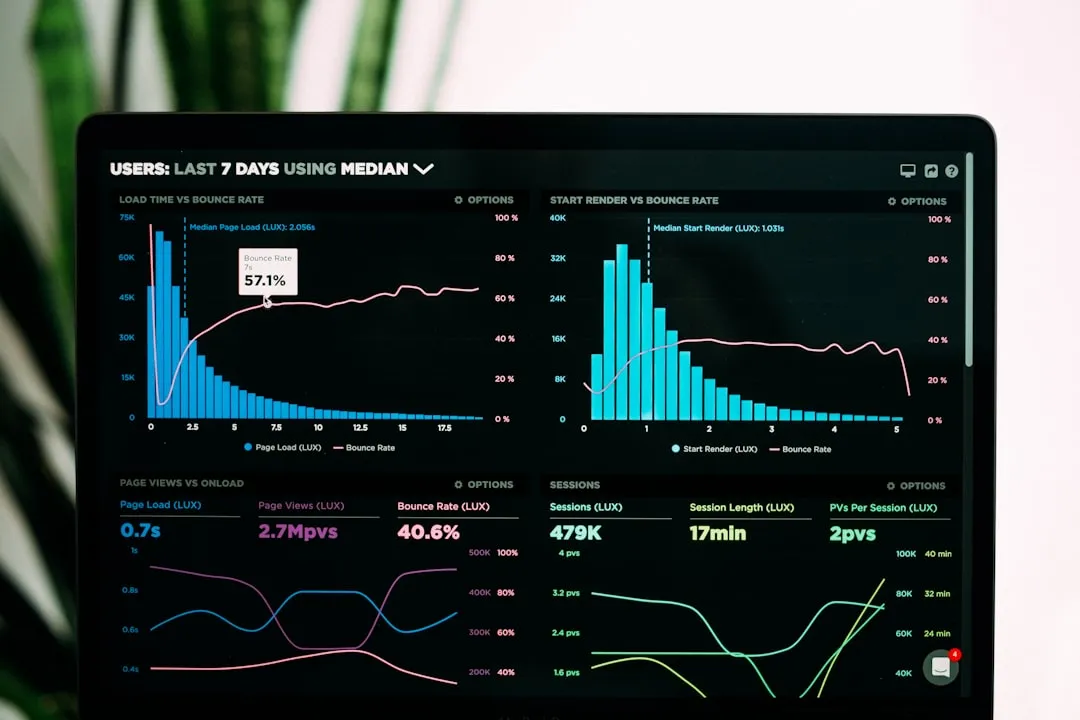
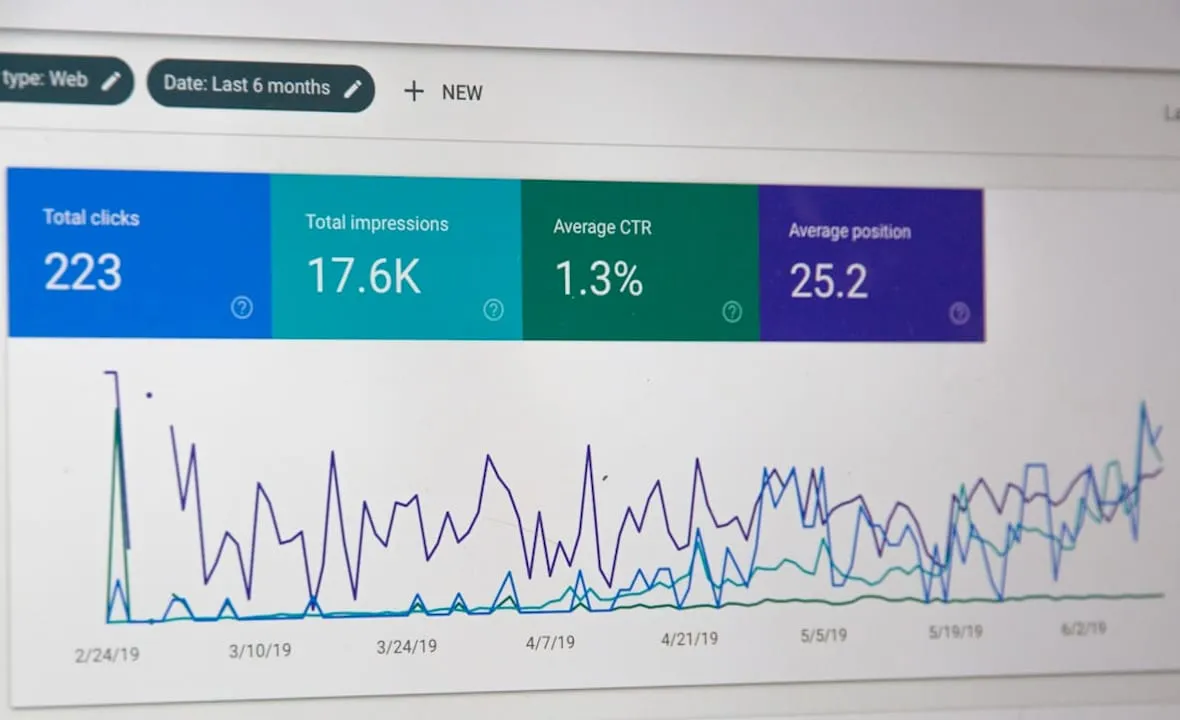
Analyzing visual performance metrics can reveal direct links to sales growth that aren’t obvious from surface-level reporting. And tweaking visual elements based on data insights leads to measurable conversion rate improvements over time.
The key visual performance metrics to monitor are:
-
Click-through rate (CTR): Are shoppers clicking your listing after seeing the hero image in search results?
-
Conversion rate: Are shoppers who land on your page buying?
-
Cart addition rate: Are product images compelling enough to move shoppers toward checkout?
-
Return rate: Are your visuals accurately representing the product, or are customers disappointed on delivery?
-
Session duration and scroll depth: Are secondary images and videos keeping shoppers engaged?
Common visual mistakes that kill performance:
-
Inconsistent backgrounds or lighting across a product catalog creates a cheap, untrustworthy impression.
-
Overloaded infographics with too much text or too many callouts confuse rather than clarify.
-
Missing lifestyle context leaves shoppers unable to visualize the product in their own life.
-
Ignoring mobile rendering is a critical error since the majority of e-commerce traffic is now mobile-first.
-
Never testing alternatives means you’re leaving conversion gains on the table indefinitely.
When you need to leverage ecommerce data to diagnose visual problems, start with your highest-traffic, lowest-converting listings. That’s where visual improvements deliver the fastest ROI. Use heatmaps and session recordings to see exactly where shoppers are dropping off, then analyze conversion data to confirm whether your visual changes are moving the needle.
Pro Tip: Involve your customer service and returns teams in visual reviews. They know exactly what shoppers misunderstand about your products, and that feedback translates directly into better secondary images and infographics.
Why the best ecommerce visual design is never ‘set and forget’
Here’s the uncomfortable truth most visual strategy guides skip: a one-time redesign will not save your listings. We’ve seen brands invest significantly in a full creative overhaul, see a strong initial lift, and then watch performance plateau or decline within two quarters. The reason is almost always the same. They treated the project as finished.
The brands that consistently outperform their categories treat visual design as a living system, not a completed task. Customer expectations shift. Platform algorithms change. Competitors improve. What converted in Q1 may feel stale by Q3. The data always tells you when it’s time to refresh, if you’re paying attention.
Agility is the real competitive advantage here. Brands that build rapid iteration into their creative process, testing new angles, updating seasonal imagery, and responding quickly to performance signals, consistently outperform brands that rely on static assets. This connects directly to broader lead generation strategies where fresh, relevant creative drives both paid and organic traffic more effectively.
The goal is not perfection on launch day. The goal is a system that gets better every month.
Need a partner for ecommerce visual strategy?
Building and maintaining a high-performance visual system across Amazon, Walmart, and Shopify takes more than good design instincts. It takes strategy, platform expertise, and the operational capacity to test, iterate, and scale.
Nectar’s brand growth services cover every stage of the visual lifecycle, from initial strategy and in-house creative production to platform-specific optimization and performance analysis. Our team brings deep expertise in creative ecommerce services that align design decisions with revenue outcomes. Whether you’re scaling on Amazon or building a better Shopify optimization experience, we provide the creative and analytical support to make your visuals work harder. Let’s talk about what’s holding your listings back.
Frequently asked questions
What is the most important type of ecommerce visual?
High-resolution product photography is essential because it directly influences consumer trust and purchase decisions more than any other visual format.
How often should ecommerce visuals be updated?
Update visuals quarterly or alongside major product, campaign, or seasonal changes. Regular updates match customer expectations and keep your listings competitive.
How can I measure the effectiveness of my ecommerce visuals?
Monitor conversion rates, CTR, and sales data tied to specific visual assets. Visual performance is linked to conversion growth when tracked consistently over time.
Do I need professional equipment for ecommerce visuals?
Professional equipment helps at scale, but many brands start effectively with a smartphone and good lighting. Good lighting and composition matter more than advanced gear for most early-stage ecommerce teams.
What common mistakes should I avoid with ecommerce visuals?
Avoid inconsistent branding, poor image quality, and ignoring performance data. Visual inconsistency hurts brand trust and directly reduces conversion rates across every platform.
Recommended