{
"@type": "Article",
"image": {
"url": "https://csuxjmfbwmkxiegfpljm.supabase.co/storage/v1/object/public/blog-images/organization-10884/1774574288225_Ecommerce-manager-planning-brand-store-launch.jpeg",
"@type": "ImageObject",
"caption": "Ecommerce manager planning brand store launch"
},
"author": {
"url": "https://thinknectar.com",
"name": "Thinknectar",
"@type": "Organization"
},
"@context": "https://schema.org",
"headline": "Brand Store Setup Guide: Amazon, Walmart & Shopify",
"publisher": {
"url": "https://thinknectar.com",
"name": "Thinknectar",
"@type": "Organization"
},
"inLanguage": "en-US",
"articleBody": "Learn how to set up high-converting brand stores on Amazon, Walmart, and Shopify with this step-by-step guide covering prerequisites, design, and optimization.",
"description": "Learn how to set up high-converting brand stores on Amazon, Walmart, and Shopify with this step-by-step guide covering prerequisites, design, and optimization.",
"datePublished": "2026-03-27T01:19:20.043Z"
}
Brand Store Setup Guide: Amazon, Walmart & Shopify
.webp)
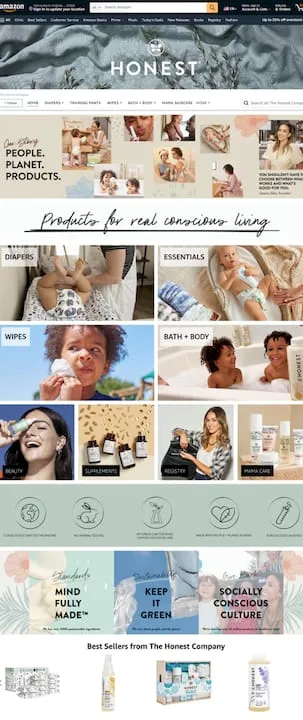
Visitors to Amazon Brand Stores purchase 53.9% more frequently and carry a 71.3% higher average order value than non-visitors. That gap between a generic listing page and a fully built brand store is not cosmetic. It is revenue. Whether you are managing a mid-sized catalog or scaling an enterprise portfolio across multiple platforms, the storefront you build on Amazon, Walmart, and Shopify directly shapes your conversion rate, customer lifetime value, and market share. This guide walks you through every stage, from prerequisites to post-launch optimization, platform by platform.
Key Takeaways
| Point | Details |
|---|---|
| Preparation is critical | Verify all accounts, branding assets, and product data before building your store to avoid approval roadblocks. |
| Platform rules differ | Amazon, Walmart, and Shopify each require unique setup steps and compliance but share common success drivers like mobile-first design and clear CTAs. |
| Optimization fuels ROI | Regular updates, analytics tracking, and creative refreshes dramatically boost store traffic, sales, and repeat visitor rates. |
| Personalization wins | AI-driven content and tailored layouts on Shopify and smart traffic routing on Amazon can drive conversion lifts of over 100%. |
What you need to get started: Account types, prerequisites, and platform requirements
With the business impact established, let’s cover what you need ready before touching any store builder. Each platform has distinct entry requirements, and missing one can stall your launch by weeks.
Platform requirements at a glance
| Platform | Account type | Key prerequisites | Technical skill needed |
|---|---|---|---|
| Amazon | Professional selling account | Brand Registry, Ads account | No custom code; creative moderation applies |
| Walmart | Marketplace seller account | Tax ID, verified sales history, brand portal compliance | Moderate; Seller Center UI |
| Shopify | Paid plan (Basic or higher) | Domain, legal business entity | No-code for basics; apps for advanced |
For Amazon, the Brand Store overview makes clear that Brand Registry is non-negotiable. Without it, the Store builder tab simply does not appear in Seller Central. Walmart’s approval process is more selective. The platform favors D2C brands with strong operational histories, clean tax documentation, and a verified sales record. Shopify is the most accessible entry point since there is no approval gate, but a paid plan and a claimed domain are baseline requirements before you can publish.
Documents and assets to prepare before you start:
-
High-resolution brand logo (PNG with transparent background)
-
Brand style guide (fonts, color hex codes, imagery tone)
-
Product catalog file (CSV or feed-ready format)
-
Tax ID and business registration documents
-
Trademark or IP registration certificate (especially for Amazon and Walmart)
-
Fulfillment setup confirmation (especially for Walmart)
Pro Tip: Start your trademark or IP registration process as early as possible. Amazon’s Brand Registry and Walmart’s brand portal both require verified IP, and the approval timeline from the USPTO alone can run three to twelve months. Do not let that bottleneck delay your store launch.
Step-by-step: Setting up your Amazon Brand Store
Once your prerequisites are ready, here is the precise process to set up your Amazon Brand Store for conversion and growth.
-
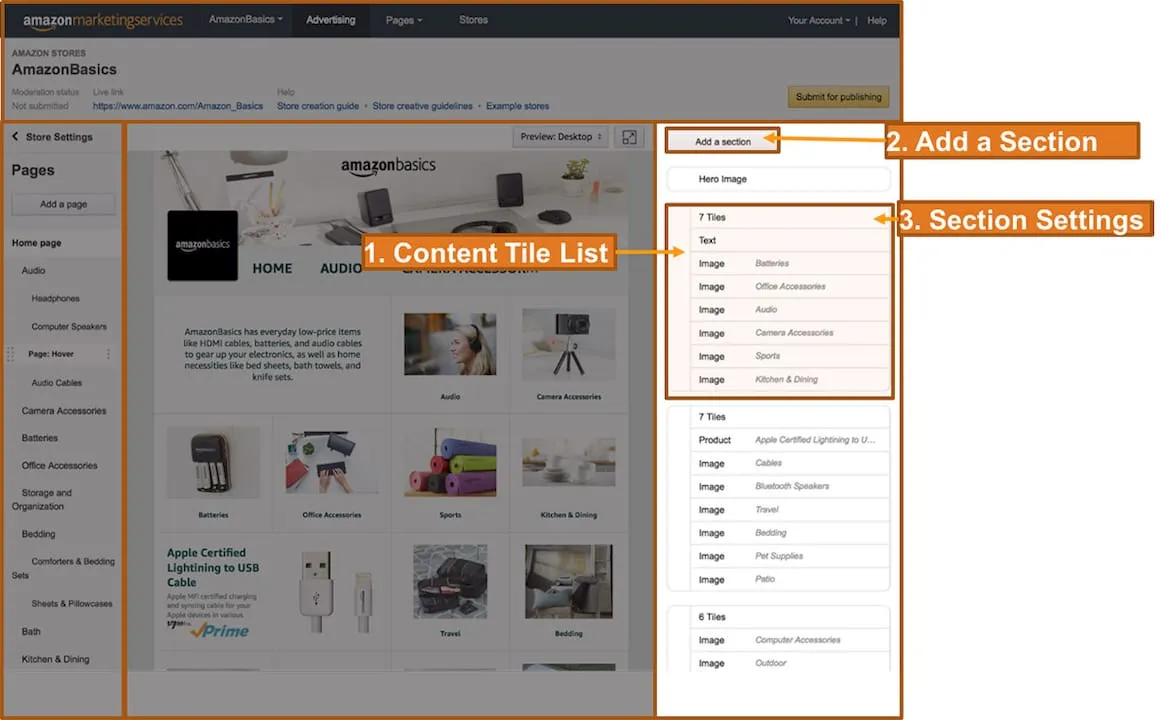
Access the Store builder. In Seller Central, navigate to Stores > Manage Stores. You will only see this if Brand Registry is active and your Ads account is linked.
-
Choose your template. Amazon offers marquee, product highlight, and product grid templates. Pick based on catalog depth. Larger catalogs benefit from grid layouts with clear subcategory navigation.
-
Build your homepage hero. Above-the-fold content is your first impression. Use a lifestyle image that communicates brand identity, not just product. Keep text overlays short and legible on mobile.
-
Set up shoppable navigation. Create subpages for product categories, bestsellers, and seasonal collections. Each page should have a clear purpose and at least one shoppable tile.
-
Place high-velocity ASINs strategically. Your top-selling and highest-margin products belong above the fold on their respective subpages. Do not bury them.
-
Run pre-publish QA. Check every link, preview on mobile, and verify all images meet Amazon’s creative specs. Moderation rejections reset your timeline.
-
Submit for review and publish. Amazon’s moderation team typically reviews within a few days. Once live, share your Store URL in Sponsored Brands campaigns immediately.
For a deeper look at layout decisions, the Amazon storefront design steps guide covers conversion-focused hierarchy in detail.
“Updated Amazon stores see 11% more repeat visitors and 13% higher sales per visitor.” Refreshing your store at least quarterly is not optional if you want to hold those gains.
As of January 2026, Amazon rolled out section-level metrics inside the Insights dashboard. You can now see renders, views, clicks, and click-through rate at the individual section level, not just the page level. This changes how you prioritize design updates. A section with high renders but low CTR tells you the placement is visible but the creative is not compelling. Fix the creative, not the layout.

Pro Tip: Route your Sponsored Brands campaigns to specific high-intent subpages rather than your homepage. A shopper clicking a “protein powder” ad should land on your supplements subpage, not a generic brand landing page. This single tactic consistently lifts conversion rates. See how it performs in practice in this store design refresh results case study.
Step-by-step: Walmart storefront setup and branding essentials
With Amazon covered, Walmart’s storefront journey comes with important differences. Unlocking this selective platform starts with understanding where it diverges from Amazon’s model.
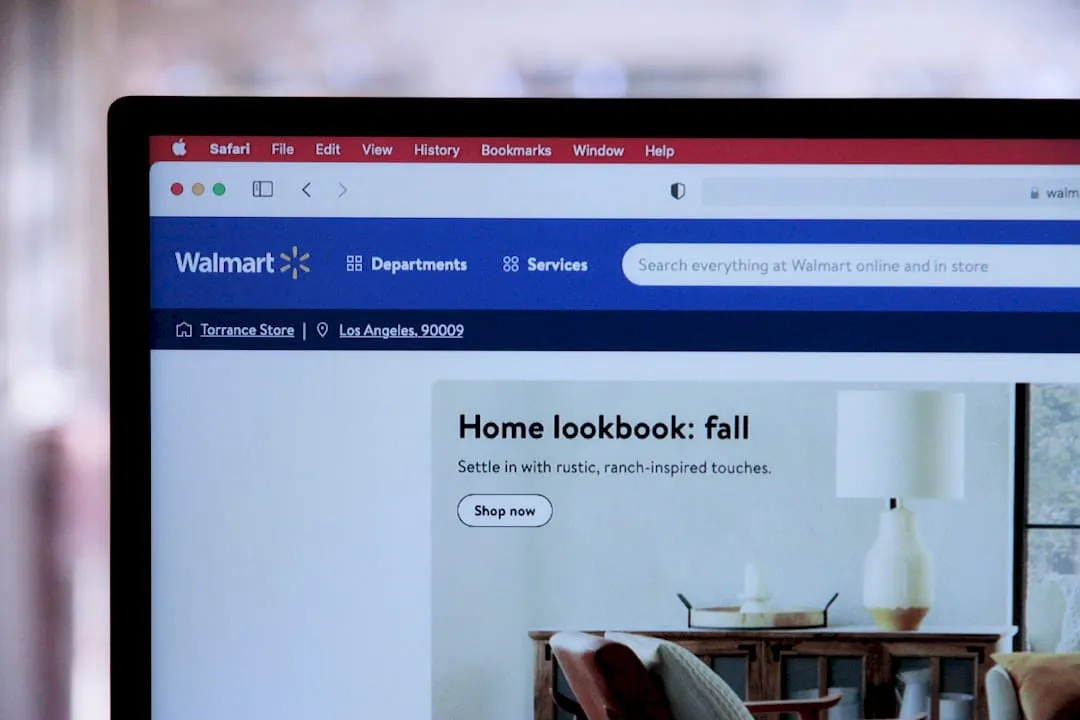
Walmart does not offer a dedicated Brand Store builder the way Amazon does. Instead, Seller Center storefront customizations and a brand shop tab give D2C brands a curated presence within the marketplace. The trade-off is less design flexibility but access to Walmart’s massive shopper base.
Walmart onboarding steps:
-
Register as a seller. Apply at marketplace.walmart.com. Approval is selective. Walmart reviews your business model, catalog quality, and operational track record.
-
Verify tax and business information. Submit your Tax ID, W-9, and business registration. This step gates everything downstream.
-
Set up payout and fulfillment. Choose between Walmart Fulfillment Services (WFS) or self-fulfillment. WFS improves your eligibility for the Pro Seller badge, which lifts visibility.
-
List your catalog. Use Walmart’s bulk upload tool or a feed integration. Catalog completeness and content quality directly affect your approval speed and early sales performance.
-
Apply for brand IP registration (optional but recommended). This unlocks enhanced content and brand protection features inside Seller Center.
-
Activate your brand shop tab. Once approved, this tab gives shoppers a curated view of your full catalog under your brand identity.
Amazon vs. Walmart storefront comparison
| Feature | Amazon Brand Store | Walmart brand shop |
|---|---|---|
| Dedicated store builder | Yes | Limited |
| Brand Registry required | Yes | Optional |
| Custom subpages | Yes | No |
| Native ad integration | Sponsored Brands | Walmart Connect |
| Approval timeline | Days (post-registry) | Weeks (selective) |
| Traffic source | Amazon search + ads | Walmart search + ads |
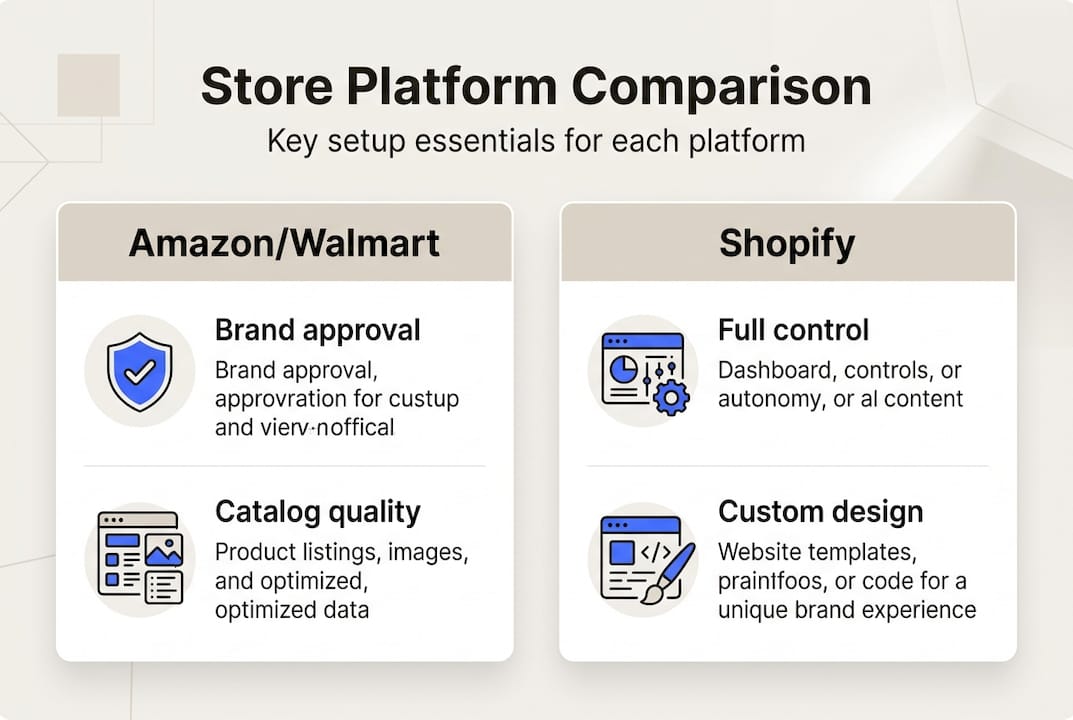
For brands already running Walmart setup strategies, the biggest lever after approval is catalog quality. Listings with complete attributes, rich content, and strong imagery consistently outperform thin listings in Walmart’s search algorithm. Pair that with Walmart Connect ads to drive traffic to your brand shop tab from day one.
Pro Tip: Catalog quality and fulfillment readiness are the two factors Walmart weighs most heavily during approval and early ranking. Brands that launch with WFS and a fully attributed catalog see faster approval and a stronger sales ramp in the first 90 days.
Step-by-step: Building a Shopify brand store for maximum conversion
Having covered marketplace solutions, Shopify gives you full ownership and unmatched flexibility. Here is how to maximize its power for brand conversion.
Shopify brand stores leveraging theme customization, personalization, and AI tools have seen up to 152% conversion lift post-migration. That number reflects what is possible when you combine the right theme architecture with smart merchandising and personalization logic.
Shopify store setup steps:
-
Select your theme. Prioritize themes with flexible section layouts, fast load times, and native mobile optimization. Dawn is a strong free option. For enterprise brands, Prestige or Impulse offer more design control.
-
Configure branding. Set your fonts, color palette, and logo placement in the theme editor. Consistency across every page builds recognition and trust.
-
Build your product pages. Include high-quality images, video where possible, detailed descriptions, and structured data for SEO. Thin product pages are a conversion killer.
-
Add personalization tools. Shopify’s Search & Discovery app improves product findability. Pair it with a recommendation engine to surface relevant products dynamically.
-
Install conversion-focused add-ons. Trust badges, sticky cart, urgency timers, and accordion-style shipping detail sections reduce friction and increase purchase confidence.
-
Set up analytics. Connect Google Analytics 4, Meta Pixel, and Shopify’s native analytics before you drive any paid traffic.
High-impact Shopify conversion elements:
-
Sticky add-to-cart button on product pages
-
Social proof widgets (reviews, UGC photos)
-
Bundling and upsell logic at cart
-
Clear return and shipping policy placement
-
Mobile-first navigation with minimal tap depth
For a real-world example of how this comes together, the Shopify success story from Nectar’s portfolio shows the design and merchandising decisions that drove measurable results. Explore the full Shopify solutions offering for enterprise-grade rollout support.
Pro Tip: If you manage multiple brands, build a reusable design framework in Shopify. Standardized section templates, shared component libraries, and documented brand tokens cut your rollout time for each new brand by 40 to 60 percent.
Verification and optimization: Measuring performance and avoiding common pitfalls
With your stores built, it is time to ensure all that work drives real results. Platform analytics and the right KPIs are your compass.
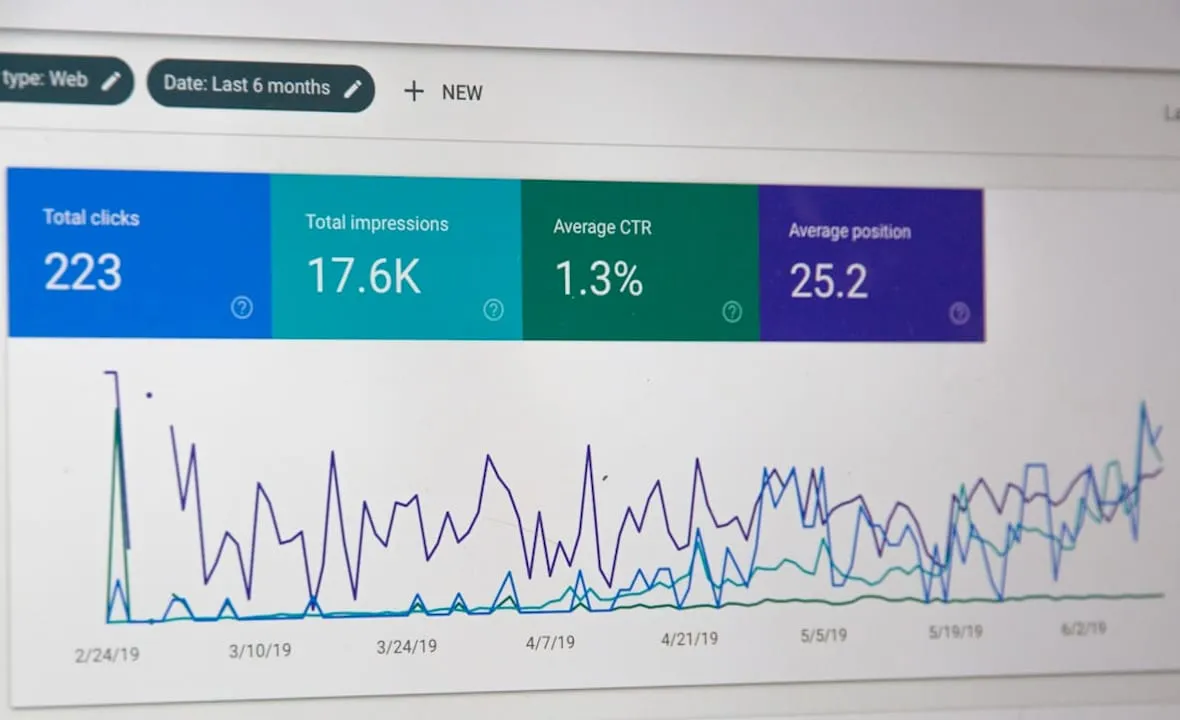
High-quality Amazon Brand Stores generate up to 97% more sales compared to low-quality store environments. That gap is not about budget. It is about execution quality, creative standards, and consistent optimization.
Key metrics by platform:
-
Amazon: Renders, views, clicks, CTR (section-level via Insights dashboard), sales per visitor, repeat visitor rate
-
Walmart: Traffic sources, ad-attributed revenue, catalog impressions, Pro Seller badge status
-
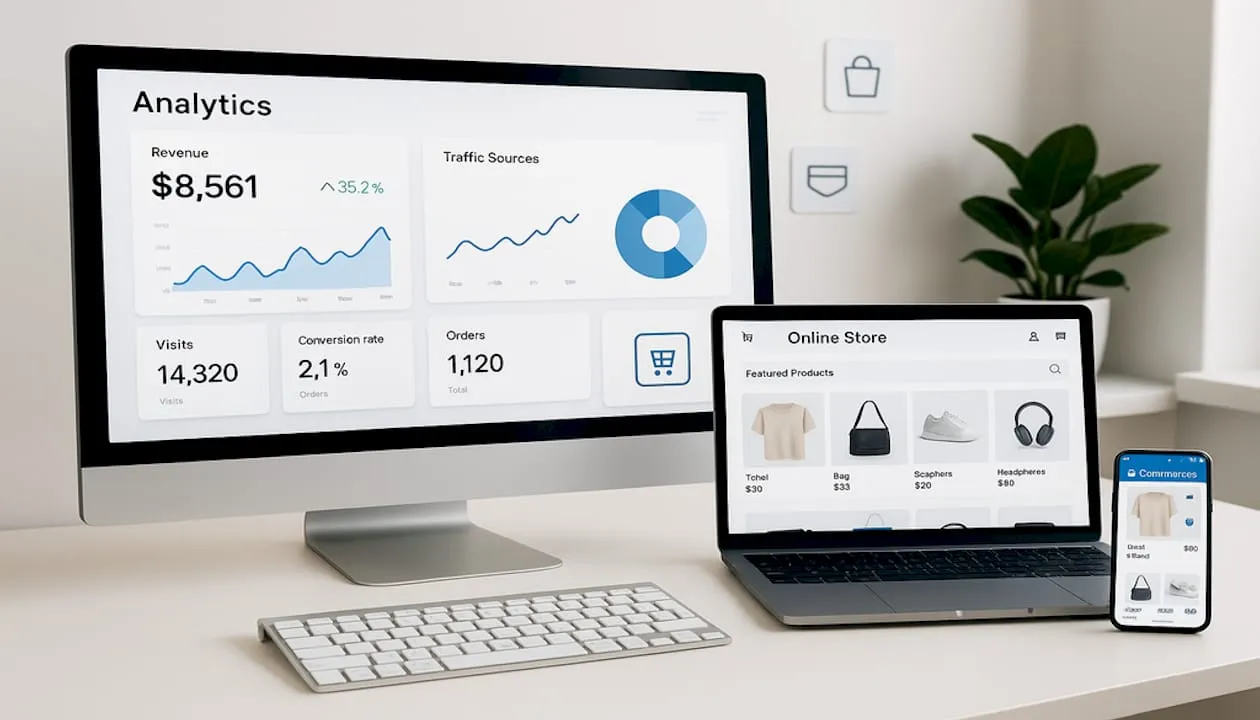
Shopify: Conversion rate, average order value, repeat visitor percent, cart abandonment rate, referral traffic from ads
Personalization on Shopify lifts revenue 10 to 40% in documented cases. If you are not running dynamic recommendations and segmented content, you are leaving measurable revenue on the table.
Common pitfalls that undermine brand store performance include weak above-the-fold content that fails to communicate brand value in under three seconds, design that has not been refreshed in over six months, no paid traffic strategy driving shoppers to the store, and catalog data that is incomplete or inconsistent across platforms. On Amazon and Walmart, creative spec violations during moderation are a frequent and avoidable delay. Follow the platform’s brand portal and creative guidelines precisely.
For brands looking to go deeper, the advanced brand store optimization webinar covers full-funnel strategy, and the Amazon SEO best practices guide ties organic visibility directly to store performance. The store redesign results case study shows what a structured optimization process delivers in practice.
Need help maximizing your brand store’s impact?
Building a high-performing storefront across three platforms is a significant operational lift. Getting the creative, catalog, advertising, and analytics layers working together is where most brands stall.
Nectar’s fully managed services cover end-to-end store setup, creative production, and performance analytics for Amazon growth optimization, Walmart marketplace strategy, and Shopify brand rollout. For brands operating across multiple channels, the multi-platform brand management solution ties it all together with Nectar’s proprietary iDerive analytics platform. If you are ready to scale smarter and stop leaving conversion gains on the table, the next step is a conversation with a team that has done this at scale.
Frequently asked questions
What are the main differences between Amazon, Walmart, and Shopify brand stores?
Amazon and Walmart are marketplace presences with built-in traffic but limited ownership, while Shopify is a fully owned DTC site where you control branding, data, and the full customer experience.
How long does it take to get a brand store approved on Amazon, Walmart, or Shopify?
Amazon approvals typically take a few days when creative guidelines are followed. Walmart runs a more selective review process that can take several weeks, while Shopify stores go live as soon as you complete setup.
What metrics should I monitor to measure performance post-launch?
Focus on conversion rate, AOV, and repeat visitor rate across all platforms. On Amazon, section-level metrics including renders, views, and CTR are now available inside the Insights dashboard as of 2026.
What are the most common mistakes during brand store setup?
Skipping creative guidelines, submitting thin catalog data, building poor mobile layouts, and failing to route ad traffic to the store are the most frequent and costly missteps. Amazon moderation can reject stores for spec violations or navigation dead-ends.
Why should I keep updating my Amazon Brand Store?
Stores refreshed at least quarterly see 13% higher sales per visitor and 11% more repeat visitors. Stale design directly suppresses the metrics that matter most.
Recommended



























































.webp)