Walmart Advertising Workflow: Your Step-by-Step Guide
.webp)
TL;DR:
Running Walmart ads without a defined workflow leads to wasted spend and poor results due to lack of strategic structure.
Implementing a process that includes retail readiness checks, automatic to manual campaign transitions, and closed-loop measurement optimizes sales lift and attribution accuracy.
Running Walmart ads without a defined walmart advertising workflow is like stocking shelves without a planogram. You end up spending money, guessing at results, and wondering why conversions never match expectations. Walmart Connect has quietly become one of the most powerful advertising platforms in U.S. e-commerce, yet most brand managers treat it like a simplified version of Amazon Ads. It isn’t. This guide walks you through the exact process, from account setup through advanced optimization, so you can build campaigns that generate measurable sales lift rather than just impressions.
Key takeaways
Point | Details
-
Retail readiness comes first | Listings with strong content and in-stock status directly impact whether your ads convert after a click.
-
Start automatic, then go manual | Use automatic targeting for keyword discovery before transitioning high performers into manual campaigns for tighter control.
-
Closed-loop measurement changes everything | Walmart Connect ties ad exposure to actual purchases, so optimize for sales attribution, not click-through rate.
-
Mine search-term reports regularly | Routine review of automatic campaign data surfaces conversion-ready keywords you can move into manual campaigns.
-
Multi-channel is the next frontier | Walmart Connect’s social integrations with Meta and TikTok now offer closed-loop measurement across offsite spend.
Setting up your Walmart advertising workflow
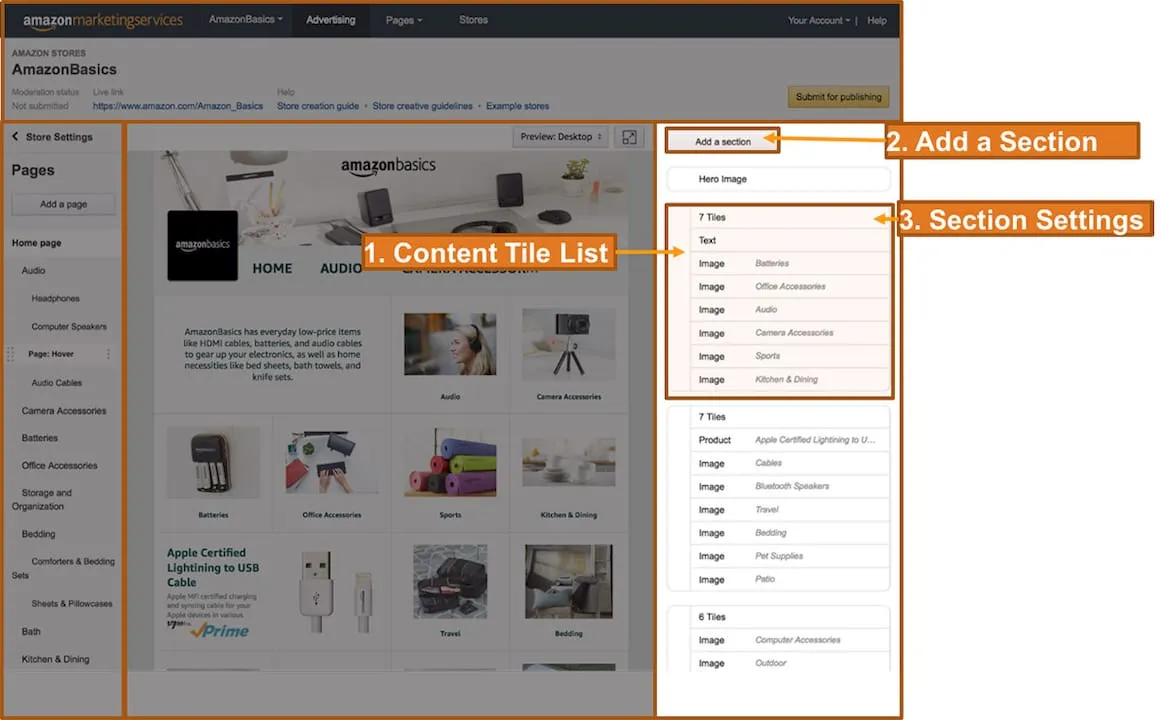
Before you touch a campaign, your account infrastructure needs to be solid. Walmart Connect Ad Center is where you build, launch, and track every campaign. You access it through your existing Supplier Center or Seller Center credentials, so getting in is straightforward. The complexity starts the moment you log in.
Confirm your eligibility and access
Not every seller can advertise on day one. You need an active, approved marketplace account with products already live. If you’re a supplier working through Walmart’s wholesale side, your access path runs through Supplier Center instead. Knowing which portal applies to you saves real time.
Audit your product listings before spending a dollar
This is where most brand managers skip a critical step. Your ads send shoppers to your product pages. If those pages have weak titles, missing images, or thin bullet points, your ad spend evaporates. Run a retail readiness check on every SKU you plan to promote.
Here’s what to verify before launching:
-
At least 6 high-resolution images per product, including lifestyle shots
-
Titles that lead with the primary keyword and core product attribute
-
A minimum of 3 detailed bullet points describing features and benefits
-
Competitive pricing relative to category benchmarks
-
In-stock status confirmed across all relevant fulfillment nodes
Pro Tip: Review your Walmart listing quality scores inside Seller Center before setting campaign budgets. Low-quality scores actively suppress ad performance regardless of bid levels.
Align campaign objectives with actual business goals
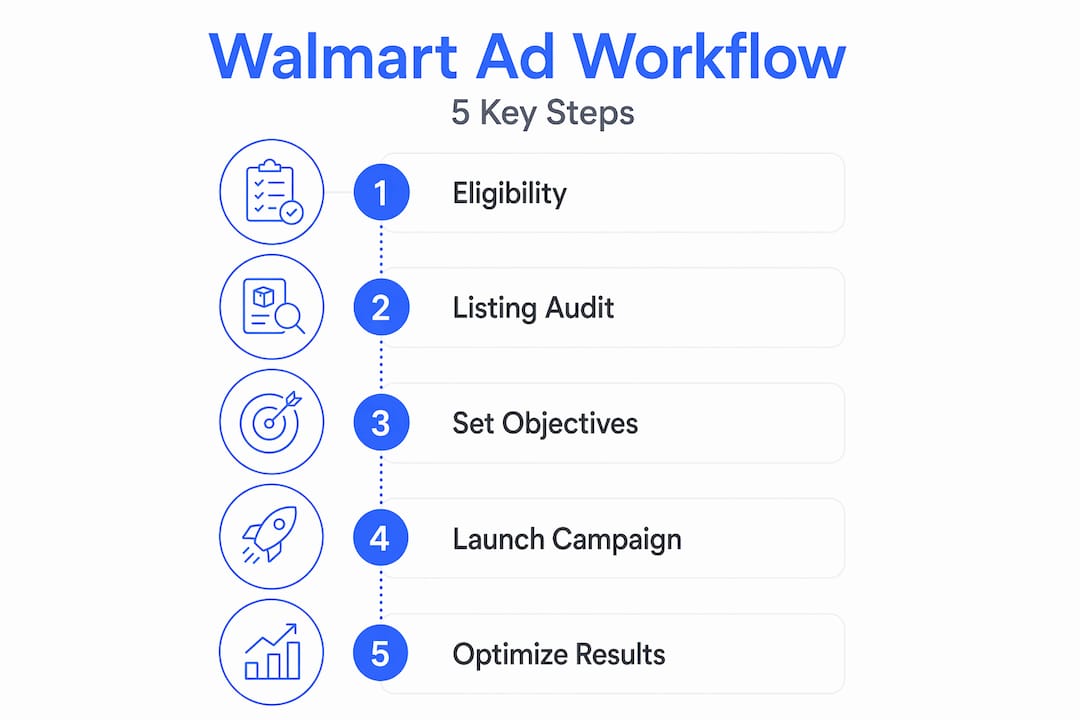
Are you launching a new product and need discovery? Or are you defending category share on your top sellers? Your Walmart marketing strategy should dictate your campaign objective before you configure a single setting. Discovery campaigns use broader targeting with higher bids on awareness keywords. Conversion campaigns focus on tighter match types and proven performers. Conflating the two from day one is one of the most common structural mistakes in Walmart ad management.
Launching your first Sponsored Products campaign
Sponsored Products are the primary pay-per-click format on Walmart, appearing in search results and on item pages where purchase intent is highest. Here’s how to set up your first campaign correctly.
-
Log into Walmart Connect Ad Center and select “Create Campaign” under Sponsored Search.
-
Name your campaign with a convention that reflects the product line, targeting type, and date. This matters more than you think once you have 30 campaigns running.
-
Choose Automatic targeting for your initial campaign. Walmart’s algorithm matches your ads to relevant queries based on your product listing content. This phase is pure data collection.
-
Set a daily budget that allows meaningful data to accumulate. A daily minimum of $20 to $30 gives the algorithm enough runway to test across keyword variations within a couple of weeks.
-
Select a bid strategy. Fixed bids give you cost control. Dynamic bidding lets Walmart adjust bids based on conversion likelihood, which works well once the algorithm has historical data to reference.
-
Choose your promoted products carefully. Start with your best-selling SKUs or products with strong listing quality scores. Promoting weak listings wastes budget and produces misleading performance data.
-
Set a campaign end date or run continuously. For discovery campaigns, run continuously so you don’t interrupt keyword learning cycles mid-flight.
-
Launch and wait. Give automatic campaigns at least 10 to 14 days before drawing conclusions. Optimizing earlier than that produces decisions based on noise, not signal.
Pro Tip: When you’re learning how to advertise on Walmart for the first time, resist the urge to build manual campaigns immediately. The automatic phase is your most valuable source of keyword intelligence.
Optimizing through manual targeting and advanced tactics
Once your automatic campaigns have generated meaningful data, the real work begins. The recommended approach is to use automatic campaigns as a discovery engine and then migrate top-performing keywords into dedicated manual campaigns. Running both simultaneously gives you ongoing discovery and precise control at the same time.

Transitioning from automatic to manual
Pull your search-term report from your automatic campaign after two to three weeks. Sort by conversions, not impressions. Keywords that generated actual purchases at an acceptable cost per acquisition belong in a manual campaign where you can control bids precisely. Keywords with high spend and zero conversions get added as negatives. This is the core loop of any mature Walmart promotional workflow.
What to look for in your optimization data
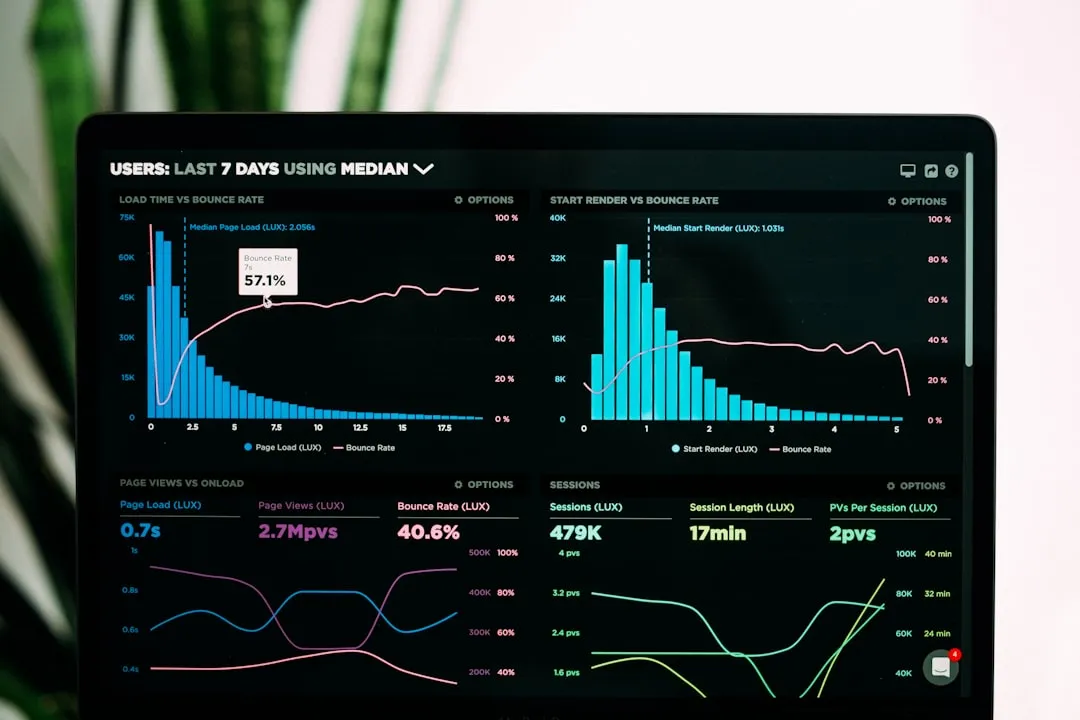
Walmart Connect’s reporting dashboard shows impressions, clicks, conversions, and ROAS at the campaign and keyword level. Here’s how to interpret what matters:
-
ROAS below 2x on a non-launch campaign usually signals a listing quality problem or a targeting mismatch, not just a bid issue.
-
High impressions with low click-through rate often means your main image or price is not competitive at the search result level.
-
Clicks without conversions point directly to the product page. The ad is working. The listing isn’t.
-
Strong ROAS on a narrow keyword set is your signal to expand match types or related keywords to capture adjacent demand.
Regularly mining search-term reports from automatic campaigns prevents the algorithm from repeatedly testing the same underperforming queries without any intervention on your part.
Pro Tip: Walmart’s first-party transaction data is the platform’s greatest differentiator. Build your dynamic ad targeting strategy around behavioral segments informed by Walmart purchase data, not just keyword match types.
Measuring success and troubleshooting common issues
Walmart Connect offers automated and customizable reporting dashboards that give you closed-loop measurement tying ad exposure directly to sales. This is not an optional feature. It’s the foundation of every decision you make.
“Walmart’s closed-loop measurement system ties online ad exposure to both in-store and online purchases using first-party transaction data, giving advertisers a more complete picture of true campaign ROI than most platforms can offer.”
Common workflow issues and how to fix them
-
Optimizing for clicks instead of conversions. Connect Academy warns explicitly against this. A 4% click-through rate means nothing if those clicks don’t convert. Always anchor your decisions to sales attribution data.
-
Running too many campaigns with too little budget. Spreading $50 per day across eight campaigns starves each one. Consolidate around your best performers and fund them properly.
-
Ignoring conversion windows. Walmart attributes purchases across a 14-day window by default. Cutting campaigns after three days because they “aren’t converting” misses the full attribution picture.
-
Setting and forgetting. Walmart’s algorithm improves with feedback. If you don’t refresh your negative keyword lists and adjust bids weekly, performance drifts.
For continual improvement, schedule a weekly workflow review. Check ROAS by campaign, review the search-term report for new negatives, and compare spend allocation against your multi-platform ad budget to confirm Walmart is receiving the right proportional investment.
Future-proofing your workflow with multi-channel integration
Walmart Connect has expanded well beyond onsite search. Social advertising integration now lets advertisers run add-to-cart enabled ads on Meta and TikTok, with purchase attribution tied directly to Walmart’s transaction data. This removes the biggest friction point in social commerce measurement.
Here’s what this means for your Walmart digital advertising planning going into 2026 and beyond:
-
Social and search campaigns can now share a unified attribution framework, so you stop double-counting conversions across channels.
-
Closed-loop measurement across onsite and offsite campaigns means incremental ROAS calculations become far more reliable.
-
API integrations are expanding rapidly, which opens the door for programmatic buying and automated budget allocation at scale.
-
Walmart’s CES 2026 announcements confirmed that incremental ROAS and sales lift from these campaigns are outperforming industry benchmarks.
The implication for your workflow is concrete. If you’re not building a media plan that accounts for both search and social attribution in a single Walmart Connect framework, you are likely under-investing in social while over-crediting search. Aligning the two channels under one measurement architecture is the most immediate upgrade available to sophisticated advertisers right now.
What I’ve learned after years of Walmart advertising
I’ve reviewed a lot of Walmart ad accounts, and the single most common problem isn’t bad creative or wrong keyword selection. It’s that advertisers are over-reliant on automatic campaigns long after they’ve stopped being useful for discovery. Automatic campaigns are a starting point. Treating them as a permanent strategy means you’re letting an algorithm optimize for Walmart’s efficiency, not yours.
What I’ve found actually works is treating the auto-to-manual transition as a standing calendar item, not a one-time event. Every three to four weeks, I pull the search-term report, move proven converters to manual campaigns, and add new negatives. That rhythm, compounded over six months, produces a keyword list and bid structure that reflects real purchase behavior rather than algorithmic assumptions.
The other thing I’ll say plainly: clicks are a vanity metric on Walmart. Walmart’s closed-loop attribution is one of the most accurate measurement systems in e-commerce advertising today. The brands that win here make every optimization decision off sales data, not CTR. If your internal reporting still leads with click metrics, that’s the first thing to fix before anything else in your workflow.
— Dan
Let Nectar manage your Walmart campaigns
If you’re running Walmart ads and not seeing the return you expected, the problem is rarely the platform. It’s the workflow behind it.
Nectar is a fully managed e-commerce agency that builds and manages Walmart advertising campaigns from the ground up, covering everything from listing quality audits and campaign architecture to weekly optimization and closed-loop reporting. Powered by the iDerive analytics platform, the team gives you the granular data you need to make confident decisions at every stage of your campaign lifecycle. Whether you’re launching your first Sponsored Products campaign or scaling a multi-channel program across search and social, Nectar’s full-service capabilities are built to grow your Walmart business profitably.
FAQ
What is a Walmart advertising workflow?
A Walmart advertising workflow is the structured process of setting up, launching, optimizing, and reporting on campaigns within Walmart Connect. It covers everything from retail readiness checks through keyword mining and multi-channel attribution.
When should I switch from automatic to manual targeting?
Move high-performing keywords from automatic to manual campaigns after 10 to 14 days of data collection, when you have enough conversion data to make informed bid decisions.
What is closed-loop measurement on Walmart Connect?
Walmart Connect’s closed-loop measurement ties ad exposure to actual Walmart purchases, both online and in-store, using first-party transaction data for more accurate attribution than most advertising platforms provide.
Why are my Walmart ads getting clicks but not converting?
High clicks with low conversions almost always point to a product listing issue, not an ad problem. Review your images, title, bullet points, and pricing relative to category competitors before adjusting bids.
Can I run Walmart ads on social media platforms?
Yes. Walmart Connect now supports add-to-cart social ads on Meta and TikTok, with purchase attribution tied directly to Walmart’s first-party transaction data for closed-loop measurement across both channels.
Recommended
.png)