{
"@type": "Article",
"image": {
"url": "https://csuxjmfbwmkxiegfpljm.supabase.co/storage/v1/object/public/blog-images/organization-10884/1774410167368_Shopify-owner-reviewing-optimization-checklist.jpeg",
"@type": "ImageObject",
"caption": "Shopify owner reviewing optimization checklist"
},
"author": {
"url": "https://thinknectar.com",
"name": "Thinknectar",
"@type": "Organization"
},
"@context": "https://schema.org",
"headline": "Shopify optimization checklist for higher conversions",
"publisher": {
"url": "https://thinknectar.com",
"name": "Thinknectar",
"@type": "Organization"
},
"inLanguage": "en-US",
"description": "Complete Shopify optimization checklist for e-commerce managers to boost conversion rates and sales through proven storefront improvements and data-driven strategies.",
"datePublished": "2026-03-25T03:42:52.352Z"
}
Shopify optimization checklist for higher conversions
.webp)

Optimizing your Shopify store is no longer optional for e-commerce managers seeking competitive advantage. With conversion rates averaging just 2-3% across the industry, even small improvements in site performance, user experience, and checkout flow can translate into substantial revenue gains. Many mid-sized and enterprise brands struggle to identify which optimization levers will deliver the greatest impact, often missing critical steps that directly affect customer behavior and sales outcomes. This comprehensive checklist provides a structured framework to systematically improve your Shopify storefront, focusing on proven tactics that drive measurable conversion rate improvements and sustainable sales growth.
Key Takeaways
| Point | Details |
|---|---|
| Comprehensive optimization | A comprehensive framework covers site structure, SEO, UX, and marketing to boost conversions. |
| Product page and checkout optimization | Detail rich product pages with quality images social proof and clear CTAs to improve conversions during shopping and checkout. |
| Testing and analytics | Regular testing and data analysis guide ongoing improvements and justify changes. |
| Baseline metrics | Document baseline metrics before optimization to measure impact. |
| Leverage expert services | Engaging optimization experts can accelerate outcomes and unlock advanced techniques. |
Understanding Shopify optimization criteria
Successful Shopify optimization starts with clear criteria aligned to your business goals. For mid-sized and enterprise brands, effective optimization requires focusing on SEO, user experience, mobile performance, and conversion funnel clarity. These foundational elements work together to create seamless shopping experiences that convert browsers into buyers.
Your optimization framework should prioritize four key goals:
- Increase organic traffic through improved search visibility and keyword targeting
- Reduce bounce rates by delivering relevant, engaging content immediately
- Speed up page loading times across all devices and connection types
- Improve conversion rates at every stage of the customer journey
Beyond immediate sales metrics, optimization significantly impacts customer retention and lifetime value. When shoppers encounter fast, intuitive, mobile-responsive stores with clear navigation and trustworthy checkout processes, they return more frequently and spend more per transaction. This framework helps you prioritize changes based on measurable impact rather than guesswork. By establishing clear criteria upfront, you can systematically address weaknesses and build on strengths to create a high-performing Shopify storefront that scales with your business.
Pro Tip: Document your baseline metrics before starting optimization work. Track conversion rate, average order value, bounce rate, and page load times so you can measure the specific impact of each change you implement.
Critical Shopify storefront optimizations
Your Shopify storefront comprises multiple interconnected elements that collectively determine conversion performance. Optimizing product listings and checkout flows drives significant conversion improvements when executed strategically. Start by addressing these core areas that directly influence customer decision making.
Site structure forms the foundation of user experience. Create clear category hierarchies that help shoppers find products quickly. Implement breadcrumb navigation so customers always know their location within your store. Optimize page loading speeds by compressing images, minimizing code, and leveraging browser caching. Fast sites retain visitors and rank better in search results.

Product pages require meticulous attention because they represent your primary conversion opportunity. Write detailed, benefit-focused descriptions that answer customer questions before they arise. Use high-quality images showing products from multiple angles and in real-world contexts. Display customer reviews prominently to build social proof. Incorporate product page optimization tips like strategic keyword placement, clear calls to action, and variant selectors that work smoothly on mobile devices.
Navigation should feel invisible to users. Design intuitive menus organized by customer intent rather than internal product categories. Implement robust search functionality with autocomplete suggestions and typo tolerance. Add filters that let shoppers narrow results by price, size, color, and other relevant attributes. Every friction point you remove increases the likelihood of completed purchases.
Checkout optimization directly addresses cart abandonment, which affects over 70% of online shopping carts. Streamline your checkout to the fewest possible steps. Offer multiple payment options including credit cards, digital wallets, and buy now pay later services. Display trust badges and security certifications prominently. Show clear shipping costs and delivery timeframes early in the process. Enable guest checkout to avoid forcing account creation. Each of these improvements removes barriers between interested shoppers and completed transactions.
Pro Tip: Conduct user testing sessions where you watch real customers navigate your store. Their struggles and hesitations reveal optimization opportunities that analytics alone cannot identify.
Measuring and refining with data-driven strategies
Optimization is never finished. The most successful Shopify stores treat performance improvement as an ongoing process powered by data analysis and systematic testing. Analyzing e-commerce data and running split tests leads to higher conversion rates when you follow a disciplined approach.
Establish clear key performance indicators that align with your business objectives:
- Conversion rate measures the percentage of visitors who complete purchases
- Average order value tracks the typical transaction size
- Bounce rate indicates how many visitors leave without engaging
- Cart abandonment rate shows where customers drop out of checkout
- Customer acquisition cost reveals marketing efficiency
- Customer lifetime value demonstrates long-term profitability
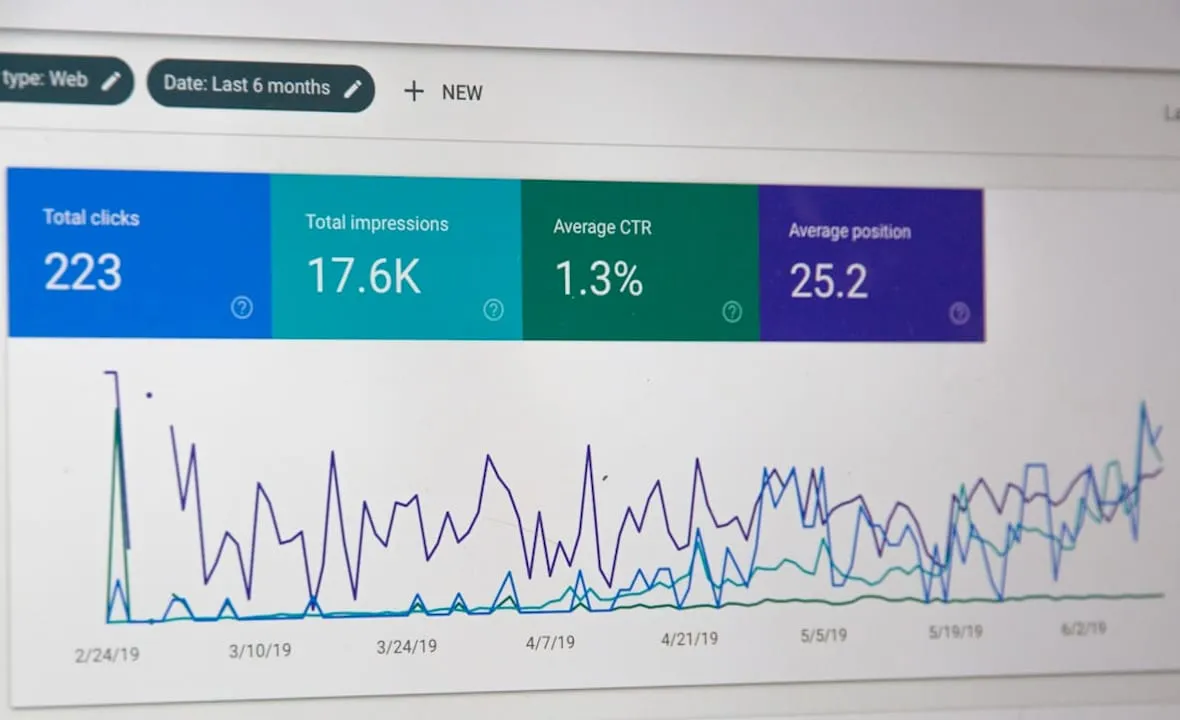
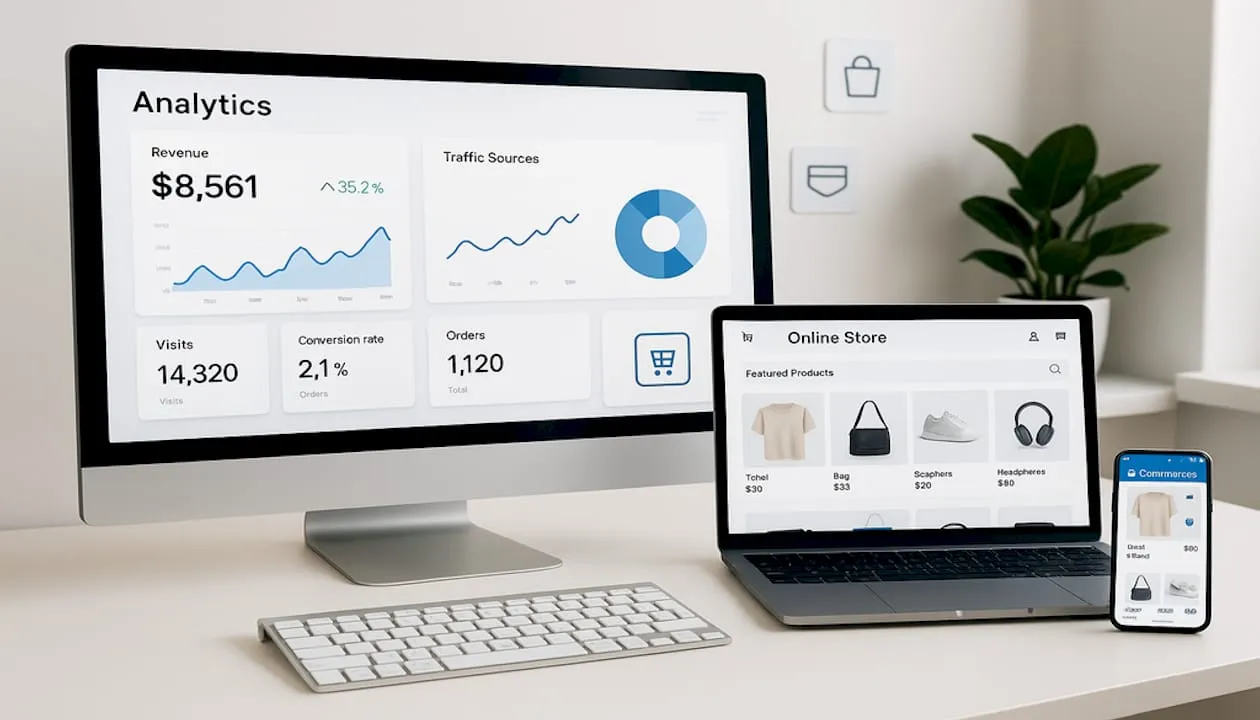
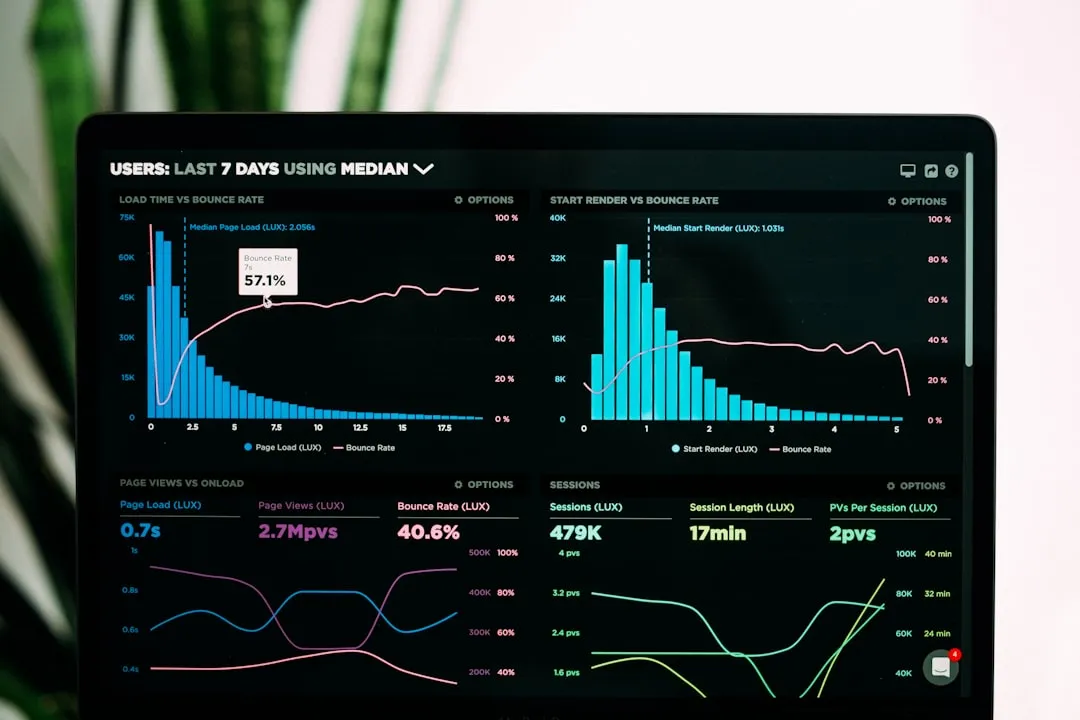
Use Shopify Analytics alongside Google Analytics to track customer behavior across your entire funnel. Shopify provides built-in reports on sales, traffic sources, and customer behavior. Google Analytics offers deeper insights into user paths, segment performance, and attribution modeling. Together, these tools reveal exactly where customers engage and where they abandon their journey.
A/B testing transforms assumptions into validated improvements. Run controlled experiments on high-impact elements like product page headlines, hero images, call-to-action button colors and copy, pricing displays, and checkout form layouts. Test one variable at a time to isolate what drives results. Let tests run until you achieve statistical significance, typically requiring hundreds of conversions per variation.
Regularly review your data to identify bottlenecks and emerging opportunities. Schedule monthly analytics reviews where you examine traffic patterns, conversion funnels, and revenue trends. Look for pages with high traffic but low conversions, indicating optimization potential. Monitor site speed metrics and fix performance issues immediately. Track how changes in one area affect metrics elsewhere, since optimization efforts often have cascading effects throughout your store.
Pro Tip: Create a testing roadmap that prioritizes experiments by potential impact and implementation difficulty. Focus first on high-impact, low-effort tests to build momentum and demonstrate ROI quickly.
Comparison of common Shopify optimization tools and apps
The Shopify app ecosystem offers hundreds of tools designed to streamline optimization efforts. Selecting the right combination requires understanding each tool’s capabilities, costs, and integration complexity. This comparison highlights popular options across key optimization categories.
| Tool Category | Example Apps | Key Features | Typical Cost |
|---|---|---|---|
| Payment Flexibility | Klarna, Afterpay | Buy now pay later options, increased average order value | Transaction fees 2-6% |
| SEO Optimization | SEO Manager, Plug in SEO | Automated meta tags, broken link detection, keyword suggestions | $20-50/month |
| Analytics & Testing | Lucky Orange, Optimizely | Heatmaps, session recordings, A/B testing platform | $10-100/month |
| Speed Optimization | Booster, Hyperspeed | Image compression, code minification, lazy loading | $10-30/month |
Apps like Klarna and Afterpay improve payment flexibility by letting customers split purchases into installments, which typically increases conversion rates and average order values. These services charge transaction fees but often deliver ROI through higher sales volumes. Integration is straightforward through the Shopify app store.
SEO apps automate technical optimization tasks that would otherwise require developer resources. They generate optimized meta descriptions, identify and fix broken links, suggest relevant keywords, and create XML sitemaps automatically. Most offer tiered pricing based on store size and feature requirements.
Analytics and testing platforms provide visual insights into customer behavior. Heatmaps show where visitors click and scroll. Session recordings let you watch actual user interactions. Built-in A/B testing tools make experimentation accessible without coding knowledge. Choose platforms that integrate seamlessly with your existing analytics stack.
Speed optimization apps tackle technical performance improvements automatically. They compress images without quality loss, minify JavaScript and CSS files, implement lazy loading for below-the-fold content, and optimize code delivery. These improvements directly impact both conversion rates and search rankings.
When selecting apps, prioritize those that address your specific bottlenecks identified through data analysis. Read user reviews carefully, focusing on feedback from stores similar to yours in size and industry. Test apps during free trial periods before committing to paid plans. Consider how your Shopify advertising workflow integrates with these tools to create a cohesive optimization and growth strategy.
Enhance your Shopify store with expert services
While many optimization tasks are accessible to in-house teams, partnering with experienced specialists accelerates results and unlocks advanced strategies. Nectar provides tailored Shopify optimization and growth services designed specifically for mid-sized and enterprise brands seeking measurable conversion improvements and revenue growth. Our approach combines creative excellence with data-driven advertising strategies to transform underperforming storefronts into high-converting sales engines.
Our team has delivered proven results across diverse e-commerce categories. One recent Shopify optimization case study demonstrates how strategic storefront improvements, coupled with sophisticated advertising management, generated substantial conversion rate increases and ROI improvements for an enterprise retail brand. By leveraging our proprietary iDerive analytics platform, we provide the granular insights and full-funnel management needed to scale smarter and maximize long-term profitability. Whether you need comprehensive storefront optimization, advanced PPC management, or integrated creative services, Nectar delivers the expertise and execution to achieve your growth objectives.
Frequently asked questions
How often should I update my Shopify optimization checklist?
Review your optimization checklist quarterly to maintain peak performance and adapt to changing market conditions. Major business changes like new product launches, seasonal campaigns, or platform updates should trigger immediate checklist reviews. Regular updates help you stay ahead of competitor strategies and capitalize on emerging best practices in e-commerce conversion optimization.
What are the most critical Shopify optimization areas to focus on first?
Prioritize product pages, checkout flow, site speed, and mobile usability for maximum immediate impact on conversion rates. These elements directly influence customer purchase decisions and represent the highest-leverage optimization opportunities. Foundational SEO improvements and navigation enhancements should follow as secondary priorities once core conversion elements are optimized.
Can I optimize my Shopify store without technical expertise?
Many optimization tasks can be accomplished using built-in Shopify features and user-friendly apps that require minimal technical knowledge. Basic improvements like updating product descriptions, reorganizing navigation menus, and installing pre-built apps are accessible to most e-commerce managers. However, advanced optimizations involving custom code, complex integrations, or sophisticated testing frameworks benefit significantly from professional Shopify optimization services that deliver faster results and higher ROI.
How long does it take to see results from Shopify optimization efforts?
Some optimizations like improved product images or streamlined checkout flows can show measurable conversion rate improvements within days. More comprehensive changes involving SEO, site architecture, or customer experience redesigns typically require four to eight weeks to demonstrate full impact. Continuous optimization delivers compounding benefits over time as multiple improvements work together to enhance overall store performance.
What metrics should I track to measure optimization success?
Focus on conversion rate, average order value, cart abandonment rate, and customer lifetime value as primary success indicators. Secondary metrics like bounce rate, pages per session, site speed scores, and organic search rankings provide supporting context for understanding how optimizations affect customer behavior. Track these metrics consistently using both Shopify Analytics and Google Analytics to build a comprehensive performance picture.
Recommended




































































.webp)