Paid social to Amazon means running ads on Meta, TikTok, Pinterest, Snapchat or similar platforms and sending the clicks to your Amazon listings or Brand Store instead of your own site. It works when three things are in place: a clear Amazon destination for each ad, tagged links so you can see what sells, and a profit metric that accounts for Amazon’s own fees and the organic lift you get on top. This guide covers each of those, written for brands that already sell on Amazon at scale.
TL;DR
- Paid social builds demand off Amazon, while Amazon Ads capture demand on Amazon. Treat them as one funnel, not two budgets.
- Tag every social link with Amazon Attribution. It is free and shows detail page views, add-to-carts and purchases by campaign.
- Enrolled brands may earn the Brand Referral Bonus on qualifying sales from tagged external traffic, which improves the true margin of the channel.
- Judge success on blended profit (including organic halo and new-to-brand), not on click-through rate or platform-reported ROAS alone.
- Creative built for the feed, matched to a specific Amazon destination, is the biggest lever you control.
What paid social to Amazon actually means
Two different things get lumped together under this phrase, and mixing them up leads to muddy reporting.
The first is off-Amazon advertising: you buy impressions on a social platform, and the shopper lands on Amazon. You pay the social platform, usually on a CPM or CPC basis, and Amazon only sees the visit.
The second is Amazon Ads: Sponsored Products, Sponsored Brands, Sponsored Display and DSP, bought inside Amazon’s ecosystem. Sponsored ads are cost-per-click formats and, per Amazon’s own ad guide, have no minimum spend, with campaigns starting as low as $10.
The practical difference is intent. Someone typing a keyword into Amazon is already shopping. Someone scrolling Instagram is not. Paid social has to create the interest, which is why it tends to sit at the top of the funnel and Amazon Ads at the bottom. The two reinforce each other: Amazon says consumers inspired by influencers on social media are 7.6x more likely to purchase on Amazon than on other channels, according to its guide published June 5, 2025.
We have written separately about the role of paid social ads in retail growth, and the same funnel logic applies here.

Where shoppers can go from social ads
There are more routes from a social feed to Amazon than most brands use.
Standard ads with an Amazon link
The familiar approach: a Meta, TikTok or Pinterest ad with a tagged URL that opens an Amazon detail page or Brand Store in the browser or the app. It is the easiest to launch and works with every platform.
Shoppable product ads inside the feed
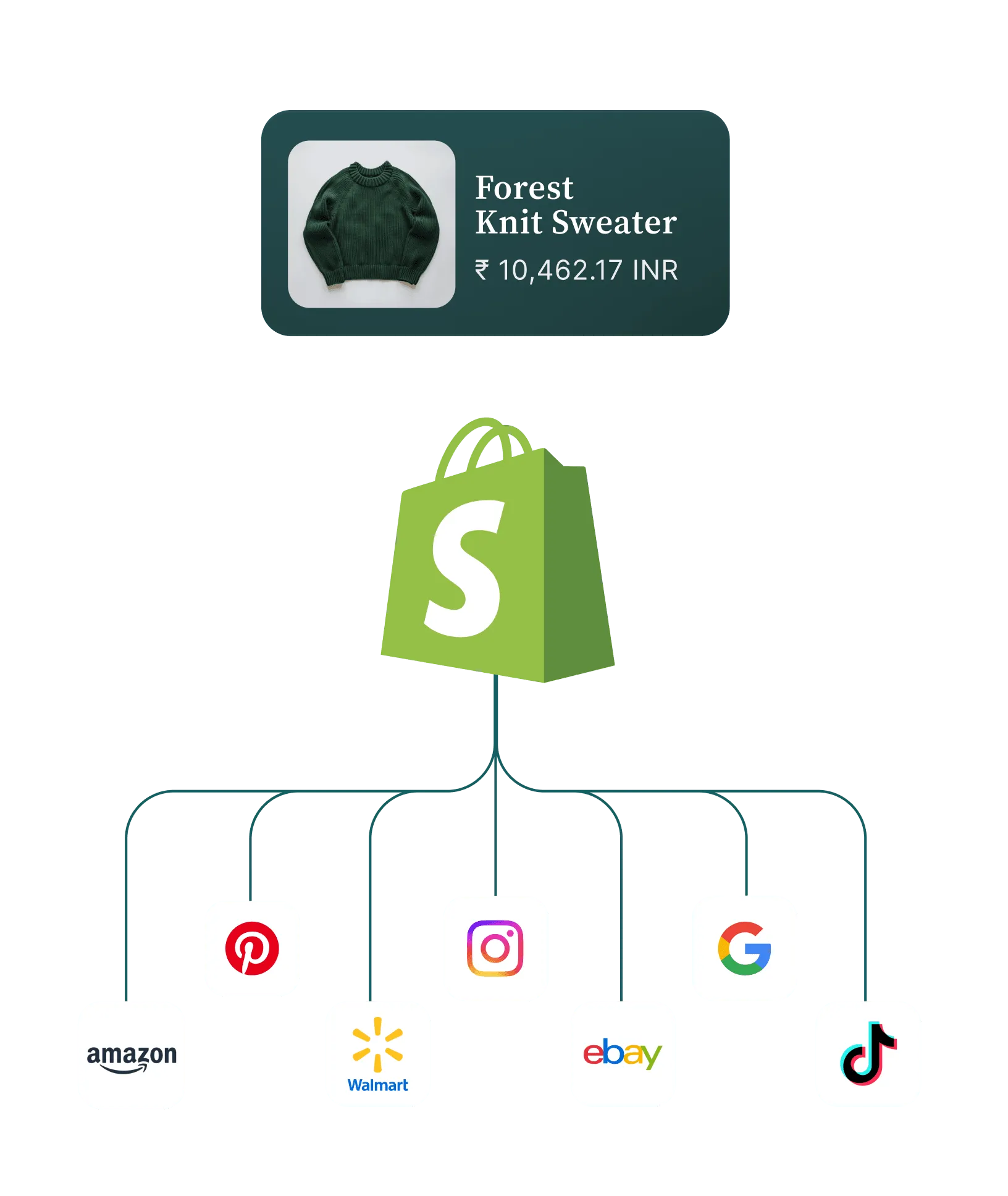
Amazon has rolled out a way for customers to shop and check out with Amazon directly from product ads on Facebook, Instagram, Snapchat, Pinterest and TikTok. According to Amazon’s holiday shopping announcement from September 2025, shoppers who link their Amazon and social accounts see familiar product details, images, availability, Prime eligibility, price and estimated delivery date without leaving the feed. Availability depends on the platform and the customer, so confirm current eligibility in your Amazon Ads account.
Amazon DSP and social-style placements
Going the other way, Amazon DSP can retarget people who viewed your product page but did not buy. That is paid media on Amazon’s side, and it pairs well with social prospecting. Our Amazon DSP management team handles that layer for brands that want one plan across both.
How to choose the Amazon destination for each ad
The destination decision matters as much as the ad. A good rule: match the page to how much the viewer already knows about you.
- Cold audience, single hero product: send to the detail page for the product that best demonstrates your value. Make sure the main image, first bullets and A+ content tell the same story as the ad.
- Cold audience, range or brand story: send to your Brand Store or a store sub-page. This gives the shopper more to browse and raises the chance of buying a second item.
- Warm audience (video viewers, site visitors): send to the detail page of the product they engaged with, or to a bundle if you have one.
- Seasonal or promotional push: send to a dedicated promotion page or the deal-eligible ASIN, and keep the offer in the ad consistent with what shows on the page.
Before you buy a single impression, audit the destination. If the ad promises one thing and the listing shows another, the click is wasted. Our Amazon Growth and Optimization work usually starts here, because a stronger listing lifts the return on every channel pointing at it.
Set up the campaign structure
Keep one social campaign per Amazon destination and objective. Name campaigns so the social ad set, the creative angle and the ASIN are readable in the Amazon Attribution report. When a number looks wrong three months later, a clean naming convention is the only way to find out why.
Track it with Amazon Attribution
Without tagged links, off-Amazon traffic is a black box. Amazon Attribution is a free measurement solution that shows the on-Amazon impact of marketing across non-Amazon channels, including social.
The setup follows a short path in Seller Central or the Amazon Ads console:
- Open Advertising, then Attribution.
- Create a campaign and select the products you are promoting.
- Choose the publisher or traffic channel and generate a tag for each ad group or creative.
- Paste the full tagged URL as the destination in the social ad platform.
The tags are URL parameters appended to your Amazon link. Generate a separate tag for each creative or audience you want to compare, not one for the whole campaign.
Once live, Amazon’s product page lists the metrics you can read: clicks, detail page views, detail page view rate, add-to-carts, add-to-cart rate, purchases, purchase rate, units sold, product sales and new-to-brand data. Those are the numbers to put next to your social platform spend.
Know the attribution window
Amazon’s DSP reporting guide describes a last-touch model with a 14-day lookback window, and it prioritizes the last click over the last view. Check the current window in your Attribution reports and compare it against the window your social platform uses. They will rarely agree, and that gap is normal: the social platform tends to claim view-based credit it cannot see on Amazon, while Attribution only sees tagged clicks. Pick one source of truth for decisions and use the other as a directional check.
For a deeper look at why platform reports disagree and how to reconcile them, see our guide to advertising attribution for ecommerce ROI.
Earn more from the same traffic: the Brand Referral Bonus

Amazon pays brands for sending outside shoppers. The Brand Referral Bonus lets you earn a bonus averaging 10% of qualifying sales when you drive traffic to Amazon products from search, social media and other sources. The bonus accumulates as credits against future referral fees, and it requires Amazon Attribution tags on your ads.
A few rules to build into your plan:
- Eligibility: in the US store, you need a Professional selling plan and your brand enrolled in Brand Registry, which requires an active or pending trademark.
- What counts: social campaigns, search and display ads, email and other marketing beyond Amazon can qualify. Amazon advertising such as sponsored or video ads cannot.
- Rates vary by category: Amazon’s page gives estimates such as 11% for clothing, and for furniture 10% on sales up to $200 and 7% on the portion above.
The bonus effectively lowers your referral fee on tagged sales, so model it into your margin when you set a target return. Treat it as upside, not as the reason to run the campaign.
Measure profit, not just clicks
A high click-through rate is easy to buy and easy to misread. A creative that drives thousands of clicks and no purchases looks great in the social dashboard and drains budget. Build your scorecard around what happens on Amazon.
The metrics that matter
- Cost per detail page view and cost per add-to-cart: early signals that the ad and the listing agree.
- Purchase rate and cost per purchase: the first real test of the audience.
- New-to-brand share: tells you whether social is finding customers Amazon Ads would not have reached.
- Attributed ROAS after fees and bonus: compare against your margin, not against a generic benchmark.
- TACoS (total ad cost of sales): total ad spend divided by total sales, organic included. If it falls while spend rises, your paid media is building organic demand.
Count the halo
A shopper who clicks a social ad for one product often buys another. Attribution reports show purchases of the tagged product and related brand sales, so look at the whole picture before cutting a campaign that seems to underperform on a single ASIN. Also watch your branded search volume and organic rank after a flight: social often shows up there before it shows in Attribution.
Test incrementality
Attribution tells you what was tagged, not what would have happened anyway. To find out what the ads truly added, run geo or audience holdouts, or compare periods with and without spend. We cover the method in retail media incrementality, and for Amazon-specific analysis our AMC and incrementality testing work shows how to read the combined paid and organic signal.
Optimize creative, audiences and spend
Once tracking works, the gains come from three places.
Creative built for the feed, not the listing
An Amazon main image on a white background is a poor social ad. Feed creative needs a hook in the first seconds, a clear product in use and one promise, then a destination that continues the same story. Run several angles per product (problem and solution, social proof, demonstration, unboxing) and give each its own Attribution tag so the data tells you which angle sells. Our guides on optimizing ad creatives for ROI and innovative ad creative examples go deeper on formats.
Audiences that Amazon cannot reach
Social’s advantage is interest and lookalike targeting. Use it to find people who have never heard of your category, then use Amazon DSP and Sponsored Brands to retarget those who engaged. Use new-to-brand data to see whether you are truly adding customers.
Spend rules that protect profit
- Judge creatives on purchases and cost per purchase, not clicks. Pause ads that earn many clicks without add-to-carts.
- Move budget toward ads with a lower click rate but a higher conversion rate.
- Review weekly during normal periods and daily around major shopping events, since social costs rise when advertisers compete for the same audiences.
- Keep Amazon ad budgets alive for the same ASINs so the traffic you create is captured at the bottom of the funnel.
Seasonality matters here. Our team’s tips for Amazon shopping events cover how to plan ahead of peak weeks, when both social and Amazon costs climb.
Our perspective
Most brands we speak with run paid social and Amazon Ads as separate programs, with separate agencies, separate dashboards and separate definitions of success. The result is that social gets blamed for not converting, and Amazon Ads get credit for demand that social created.
We think the right unit of planning is the shopper journey. Social creates the interest, Amazon captures the purchase, and the plan has to be judged on profit across both. That is why we build profit-first advertising plans and put creative, media and measurement in one team.
Our iDerive analytics platform is designed to bring marketplace and advertising data into one view, so you can read business-language answers instead of reconciling exports by hand. Pair that with in-house photography, video and design, and creative can be matched to each Amazon destination from the start.
The brands that win with this channel are the ones that treat tracking as a day-one decision, not an afterthought.
Dan Katona
How Nectar can help
If you are a mid-market or enterprise brand and want paid social and Amazon managed as one plan, we handle the whole chain: creative, social and retail media buying, listing and operations work, and unified reporting. Start with our Amazon Growth and Optimization service, which covers the listing and advertising foundation that off-Amazon traffic lands on. Our Digital Marketing and DTC Growth team runs the paid social side.

If you want to see how the pieces fit together in your category, talk to the Nectar team and we will walk through your current setup. Our iDerive advertising and incrementality analytics shows what each channel adds to your total sales.
A simple launch plan
If you are starting from zero, this sequence keeps risk low.
- Week 1: audit. Check Brand Registry status, listing quality, reviews, pricing and stock depth for the ASINs you plan to promote.
- Week 2: tracking. Build the Attribution campaign structure and naming convention. Confirm Brand Referral Bonus enrollment if you are eligible.
- Weeks 3 to 4: test. Launch three to five creative angles against one cold audience and one warm audience, at a budget you can afford to lose.
- Weeks 5 to 6: read and shift. Move spend to the angles with the best cost per purchase and new-to-brand share. Add Amazon DSP or Sponsored Brands retargeting for engaged viewers.
- Ongoing: measure lift. Add holdout tests and TACoS review so you know the channel is adding sales rather than relabeling them.
Before scaling, also confirm that you have inventory depth. Sending traffic to a listing that goes out of stock wastes spend and can hurt organic rank, which is why operations and advertising belong in one conversation. For more on tying creative and data together, see our step-by-step guide to increasing ecommerce ROI.
FAQ
Is paid social to Amazon the same as Amazon Ads?
No. Paid social is bought on platforms like Meta or TikTok and sends shoppers to Amazon. Amazon Ads are bought inside Amazon and reach people already shopping there. They work best together, with social creating interest and Amazon Ads capturing the purchase.
Does Amazon Attribution cost anything?
No. Amazon describes Attribution as a free measurement solution for seeing the on-Amazon impact of non-Amazon marketing. Your only cost is the media you buy on the social platform.
Can I earn the Brand Referral Bonus on social ad sales?
Yes, if you qualify. You need a Professional selling plan and a brand enrolled in Brand Registry, and your ads must use Amazon Attribution tags. Per Amazon, sponsored and video ads on Amazon do not qualify, but social campaigns can.
Which metrics should I watch first?
Start with detail page views, add-to-carts and purchases by creative, then add new-to-brand share and ROAS after fees. Over time add TACoS and incrementality tests so you can see the effect on total sales, not only tagged sales.
Sources
- Amazon Attribution: Get started with advertising analytics
- Understanding Amazon Ads: A guide to our ad products
- Scale social strategies with Amazon Ads
- How Amazon is making it easier to shop this holiday season
- Brand Referral Bonus: Drive traffic and boost your bottom line
- Amazon DSP Self-Service reporting guide
Recommended