Master Shopify Advertising Workflow for Better ROI
.webp)
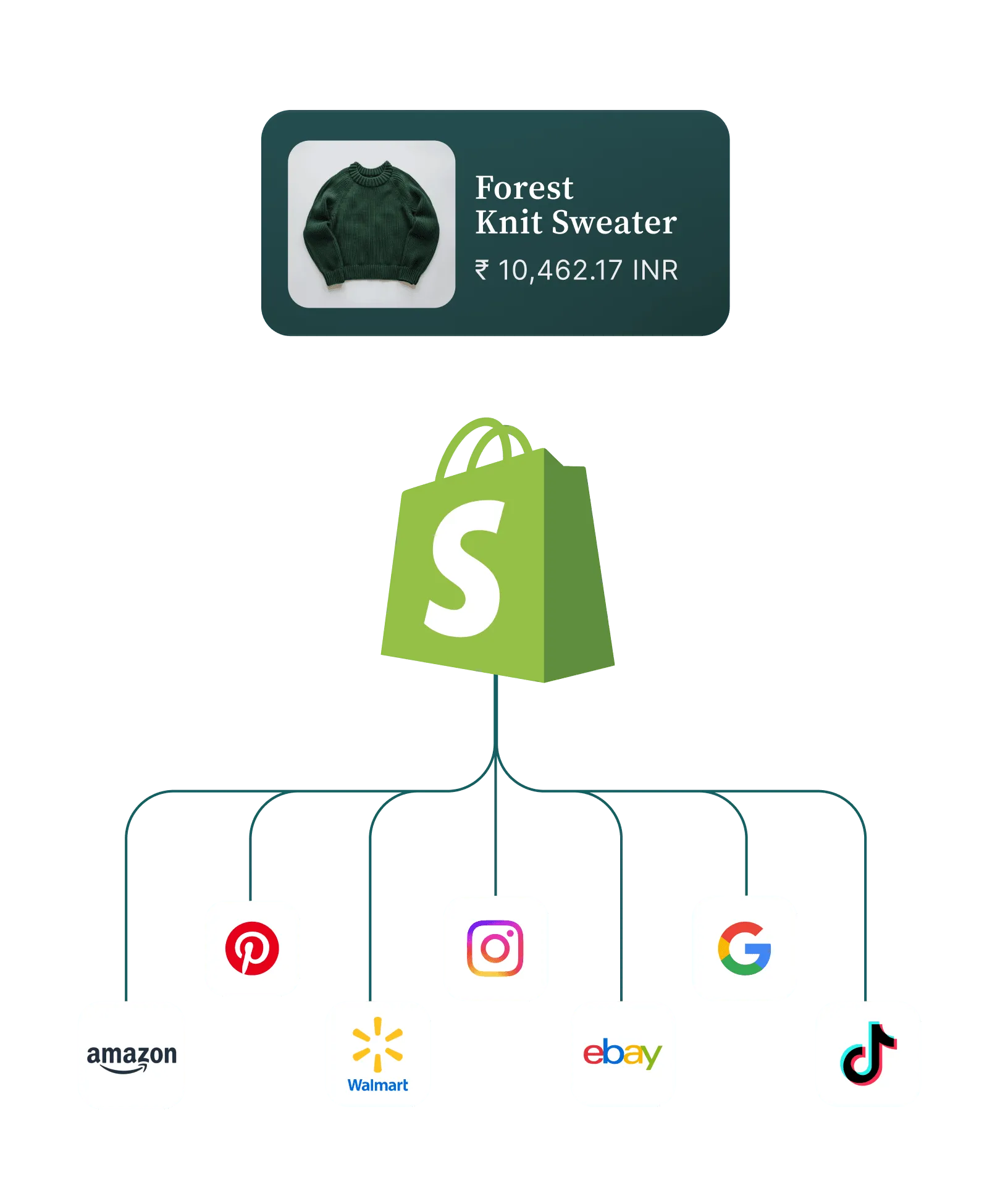
Managing Shopify ads without clear data feels like steering a ship through fog. For E-commerce marketing managers, understanding exactly which campaigns influence customer behavior across platforms is vital. By establishing a foundation of connected analytics and targeted tracking, you gain the clarity needed to guide budgets, refine creatives, and drive sustained conversion rate growth. This practical guide delivers strategies for assembling a smarter workflow that turns analytics into measurable success.
Quick Summary
Important InsightExplanation
1. Connect Multiple Tracking Tools Use Google Analytics 4 and UTM parameters for precise data capture and improved ad performance analysis.
2. Create Engaging Video Ads Prioritize video content to enhance engagement and conversions; authenticity is more valuable than production quality.
3. Implement Precise Audience Segmentation
Tailor audience segments based on behavior and demographics to maximize ad spend efficiency.
4. Optimize Campaigns Based on Data
Regularly review key metrics to identify underperforming ads and adjust campaigns to improve ROI.
5. Measure ROI and Adjust Strategies
Compare post-campaign metrics against pre-launch data to assess true advertising effectiveness and profitability.
Step 1: Set Up Analytics and Tracking Tools
You’re about to unlock visibility into your Shopify advertising performance. The right analytics setup transforms raw data into actionable insights that drive your ROI upward. Let’s walk through building a foundation that captures exactly what you need.
Start by connecting Shopify’s native analytics to your advertising accounts. Shopify comes with built-in dashboards, but you’ll want to layer in Google Analytics 4 and your ad platform’s native tracking (Facebook Ads Manager, Google Ads, TikTok Ads Manager). Each platform offers different perspectives on customer behavior, and together they create a complete picture.
Implement UTM parameters on all your ad links. These simple tags let you track which campaigns, sources, and content drive traffic and conversions. Without them, you’re flying blind. Create a consistent naming convention—something like utm_source=facebook, utm_medium=cpc, utm_campaign=holiday_sale—and stick with it across all channels.
Set up conversion tracking pixels for your priority actions. Beyond just sales, track add-to-cart events, email signups, and product page views. Modern digital marketing analytics leverages multiple data types to understand customer journeys across touchpoints. These secondary conversions reveal which ads drive high-intent traffic even if they don’t immediately convert to sales.
Connect your ad accounts to a centralized dashboard—either Shopify Flow, Google Data Studio, or a third-party tool like Klaviyo or Triple Whale. Centralizing data prevents the frustration of jumping between platforms to piece together performance metrics. Your marketing team needs one source of truth.
Here’s a quick comparison of popular ad tracking and analytics tools for Shopify stores:
Tool NameKey FeaturesBusiness ImpactShopify AnalyticsBuilt-in dashboards, sales trackingProvides easy sales insightsGoogle Analytics 4Cross-platform tracking, eventsEnables deeper customer analysisFacebook Ads ManagerNative pixel, audience segmentationOptimizes Facebook ad targetingKlaviyo / Triple WhaleCentralized reporting, automationStreamlines performance reviewGoogle Data StudioCustom dashboards, visualizationEnhances decision-making clarity
Verify your tracking is working before scaling spend. Run a small test campaign and confirm that conversions are recording correctly in both your ad platform and Shopify. A tracking misconfiguration discovered after spending $5,000 is painful. A misconfiguration caught on day one costs nothing.
Successful analytics practices require aligning data strategy with business goals and the talent that understands both technology and business needs. This means your team should understand not just how to read dashboards, but what metrics actually matter to your bottom line.
Connect multiple data sources and verify tracking accuracy before scaling ad spend—this foundation determines everything that follows.
Pro tip: Set up weekly automated reports that automatically pull your key metrics (ROAS, cost per acquisition, conversion rate) and land in your inbox every Monday morning—this removes friction and keeps the team aligned without extra meetings.
Step 2: Build High-Converting Ad Creative Assets
Your analytics are humming. Now comes the part that actually drives conversions: creative that stops the scroll and compels action. High-performing ad creative bridges the gap between your target audience and your product, turning passive viewers into active buyers.

Start with video-first thinking. Video content outperforms static images across every major platform—higher engagement rates, better completion rates, lower cost-per-result. Your video doesn’t need Hollywood production value; authenticity beats polish. Show your product in action, highlight customer testimonials, or demonstrate the problem your product solves. Creative professionals in marketing understand that visually appealing and engaging content resonates most powerfully with target audiences.
Your Shopify store likely has product photography already. Repurpose it ruthlessly. Take your best product photos and turn them into carousel ads, static image ads, and video thumbnails. One piece of content should fuel multiple ad variations across multiple platforms.
Keep copy short and benefit-driven. Your headline has roughly three seconds to earn attention. Lead with the transformation your product provides, not its features. Instead of “Gel Memory Foam Pillow with Cooling Technology,” try “Finally Sleep Through the Night Without Overheating.” The difference matters.
Design for mobile vertically. Most of your audience is scrolling on phones. Vertical video (9:16 aspect ratio) and square video (1:1) capture more screen real estate and command attention. Horizontal video gets squeezed into a tiny box in the middle of the screen. Show your video vertically.
A/B testing requires patience, but it reveals what actually moves your audience. Run your variations for at least three to five days before declaring winners. Building high-impact advertising materials requires this kind of methodical testing and refinement.
The best ad creative speaks directly to your customer’s desire, not your product’s specifications.
Pro tip: Analyze your top-performing creative in your ad platform’s creative library and identify the common elements (color palette, video style, copy tone)—replicate those elements in your next batch of assets rather than starting from scratch every time.
Step 3: Launch Targeted Shopify Ad Campaigns
Your creative is polished. Your analytics are tracking. Now it’s time to put your ads in front of the right people at the right moment. Precision targeting is what separates campaigns that drain budget from campaigns that deliver ROI.
Start with audience segmentation based on your customer data. Don’t blast your ads to everyone. Instead, build distinct audience groups based on behavior, demographics, and purchase history. Shopify customers who abandoned carts deserve different messaging than first-time visitors. Targeted advertising uses collected consumer data to enable precise ad placement aimed at potential customers with specific characteristics, maximizing your ad spend efficiency.
Start broad, then narrow. Launch your first campaign with moderate targeting constraints to gather data on who actually converts. After collecting 50-100 conversions, analyze your customer profile in your ad platform’s reporting dashboard. Double down on the demographics and interests that produced sales, and pause or reduce budget toward underperformers.
Implement layered targeting on each platform. Facebook and Google offer stacking options that let you combine multiple targeting parameters. Create audiences that are specific enough to be relevant but broad enough to reach sufficient volume. If you target only women aged 35-45 interested in organic skincare who visited your site in the past 30 days, your audience might number in the hundreds, not thousands.
Use data-driven approaches to identify needs and preferences of your target consumer groups. Your Shopify analytics reveal which product categories convert best for different customer segments. Use this insight to customize ad copy, creative, and offers for each audience.
Schedule your ads strategically. Different audiences scroll at different times. Test running ads during business hours versus evenings, weekdays versus weekends. Your analytics will show which time windows generate the lowest cost-per-result.
Precision targeting transforms ad spend from a blunt tool into a scalpel.
Pro tip: Create a separate campaign for each major audience segment rather than stacking all audiences into one campaign—this makes performance analysis clearer and lets you adjust budgets independently when one segment outperforms others.
Step 4: Optimize Campaigns Using Performance Data
Your campaigns are live. Data is flowing in. Now comes the work that actually multiplies your ROI: ruthless optimization based on what the numbers tell you. Static campaigns die. Dynamic ones grow.
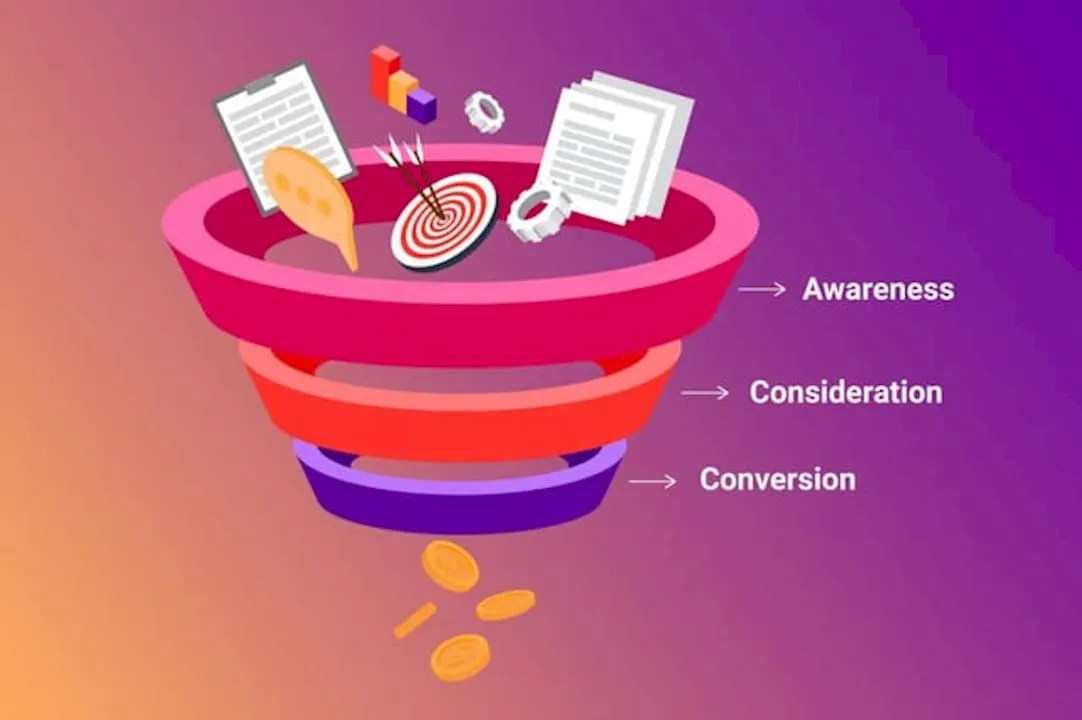
Start by identifying your key performance indicators. Don’t track everything. Instead, focus on metrics that directly tie to business outcomes. For most e-commerce brands, this means cost-per-acquisition, return on ad spend, and conversion rate. Key performance indicators such as impressions, clicks, conversion rates, and sales revenue are crucial for continuously optimizing marketing campaigns across awareness, consideration, and decision stages.
Monitor these metrics daily during your first two weeks. You’ll spot underperforming campaigns quickly and make adjustments before budget bleeds away. After two weeks, shift to weekly reviews. Daily obsessing wastes mental energy; weekly discipline keeps you aligned.
Look beyond surface metrics. A campaign with a high click-through rate but low conversion rate tells you that your creative attracts attention but your landing page or product doesn’t deliver. A campaign with low click-through rate but high conversion rate on those clicks tells you to expand budget and improve creative relevance.
Prioritize budget reallocation over pausing campaigns entirely. Take budget from your lowest-performing audiences and campaigns, and shift it toward winners. This approach generates more data faster than simply killing underperformers. You want at least 100-150 conversions per campaign variation before making final decisions.
Implement continuous refinement cycles. Real-time data collection combined with causal analysis methods allows digital marketers to measure true campaign impact and reassess targeting and budget allocation continuously. After each analysis cycle, test new creative variations, adjust targeting parameters, or refine your audience segments based on learnings.
Adjust your bids strategically. Platforms like Google Ads and Facebook offer automated bidding options that optimize for your chosen outcome. Start with manual bidding to understand the landscape, then gradually shift toward automation as you gather more conversion data. Machines optimize faster than humans once they have enough training data.
Seasonality matters. Your August performance won’t match your November performance. Track how metrics shift seasonally, and adjust expectations and budgets accordingly.
Data without action is just noise. Action without data is just guessing.
Pro tip: Create a simple spreadsheet that tracks your three key metrics (ROAS, CPA, conversion rate) weekly and charts the trend line—seeing the visual slope upward or downward often reveals optimization opportunities faster than staring at raw numbers.
Step 5: Verify ROI and Conversion Improvements
Numbers don’t lie. After weeks of optimization, it’s time to measure what you’ve actually achieved. Verification isn’t about vanity metrics—it’s about confirming that your advertising investment generated real, profitable growth.
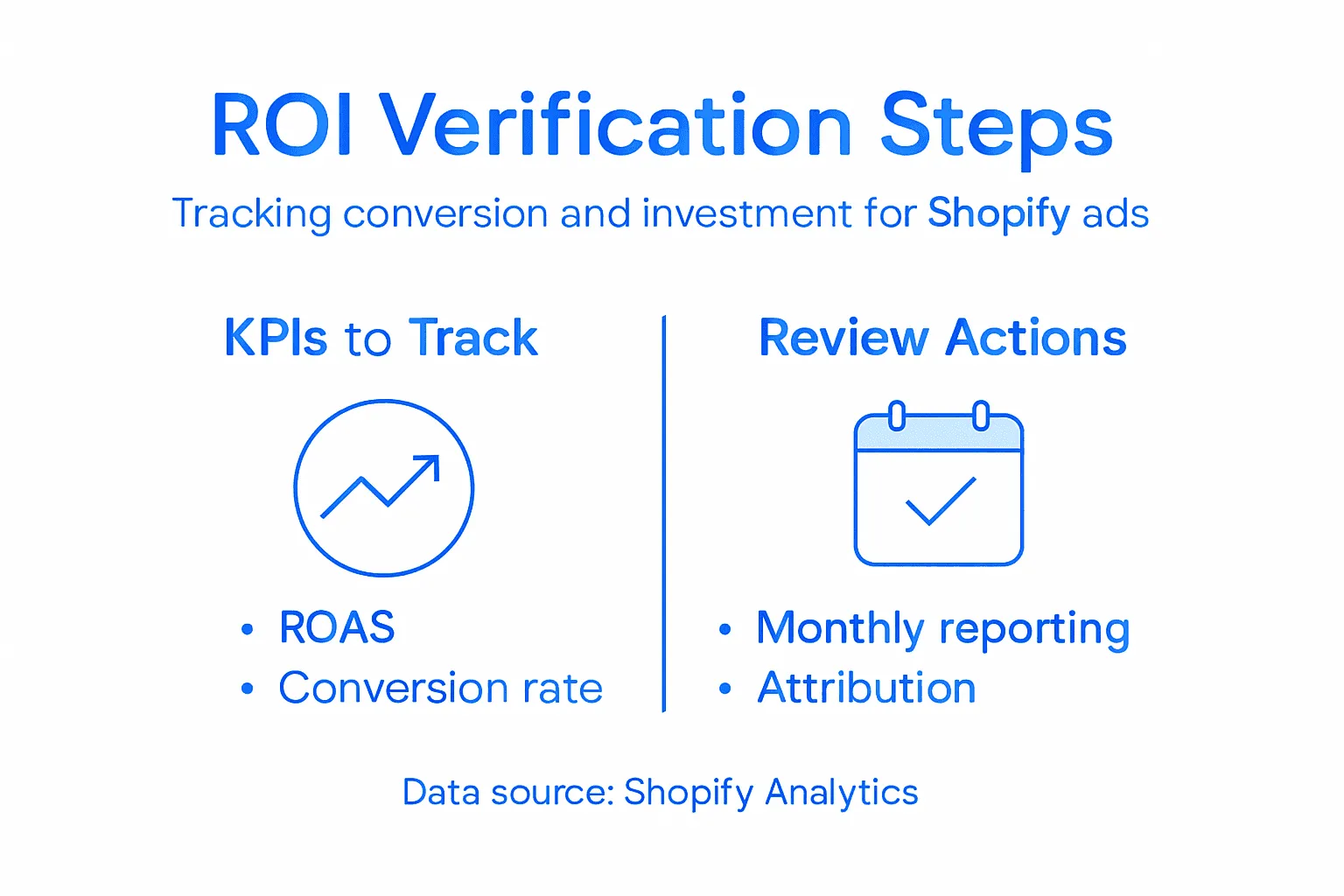
Start with baseline comparison. Pull your metrics from before you launched your optimized workflow versus your current performance. This means comparing your early unoptimized campaigns against your latest refined campaigns. Look at cost-per-acquisition, return on ad spend, conversion rate, and total revenue attributed to advertising.
Continuously measuring metrics like conversion rate and sales revenue allows marketers to verify improvements in ROI and adjust campaigns accordingly for sustained performance enhancement. Don’t just celebrate one good week. Track at least 30 days of performance data to account for natural variation and seasonality.
Use multi-touch attribution when possible. Shopify’s analytics shows direct conversions, but customers often interact with multiple ads before buying. Understanding which touchpoints contribute to conversions reveals the full picture of your workflow’s effectiveness. A customer might see your Facebook ad, click through to your site, abandon their cart, then return via Google Search and complete the purchase.
Calculate your true ROI including overhead. If you spent $10,000 on ad spend and generated $50,000 in revenue, your ROI is 400 percent. But factor in product costs, shipping, platform fees, and the time you invested optimizing campaigns. A 400 percent gross ROI might become a 180 percent net ROI after accounting for all expenses. Net ROI is what actually matters to your bottom line.
Set up monthly performance reviews with stakeholders. Share your metrics, highlight improvements, and discuss what’s working. This builds credibility and alignment around advertising strategy. Document your learnings so you can apply them to the next quarter’s campaigns.
Most importantly, track your progress against your original goal. If you aimed for a 3:1 ROAS and you’re now achieving 3.2:1, you’ve succeeded. If you wanted cost-per-acquisition below $35 and you’ve hit $32, the workflow worked.
Here’s a summary of core campaign optimization metrics and their strategic importance:
MetricWhat It MeasuresWhy It MattersROAS (Return on Ad Spend)Revenue per dollar spentTracks ad profitabilityCPA (Cost per Acquisition)Cost for each customerMonitors cost efficiencyConversion Rate% of visitors buyingReveals ad and site effectivenessCustomer Lifetime ValueAverage revenue per customerGuides budget allocationAd Spend EfficiencyRevenue divided by costValidates campaign sustainability
ROI verification transforms advertising from a cost center into a measurable profit driver.
Pro tip: Create a one-page monthly dashboard that shows your three to five most important metrics, month-over-month comparison, and whether you hit your targets—this makes it instantly clear to anyone reviewing your performance whether the advertising workflow is delivering results.
Elevate Your Shopify Advertising Performance with Proven Expertise
Mastering Shopify advertising requires more than just launching campaigns. It demands precise tracking setup, creating compelling video-first creative, and continuous data-driven optimization to drive meaningful return on investment. The challenges of aligning analytics, segmentation, and creative to maximize ROI are real and often overwhelming without expert guidance.
At Nectar, we understand these pain points deeply. Our fully managed e-commerce agency harmonizes in-house photography, videography, design, and advanced data strategies through our proprietary iDerive analytics platform. This approach transforms your Shopify storefront into a high-converting powerhouse by solving exactly the problems outlined in the article such as conversion tracking accuracy, layered audience segmentation, and creative testing for better results.
Ready to stop guessing and start scaling with confidence?
Discover how Nectar’s full-funnel management and data-driven creative services can optimize your Shopify advertising workflow to deliver sustainable growth. Visit Nectar’s website now and unlock the potential within your brand’s advertising strategy.
Frequently Asked Questions
How do I set up analytics for my Shopify advertising campaigns?
To set up analytics for your Shopify advertising campaigns, connect Shopify’s native analytics with Google Analytics 4 and your advertising platform’s tracking tools. Start by implementing UTM parameters on your ad links to monitor campaign performance closely.
What are the key performance indicators I should track for my Shopify ads?
Focus on tracking cost-per-acquisition, return on ad spend, and conversion rate for your Shopify ads. Regularly monitor these metrics, especially during the first two weeks after launching your campaigns, to identify what drives profitable growth.
How can I optimize my ad creative for better conversions?
To optimize your ad creative, focus on video content, test multiple variations, and keep your copy concise and benefit-driven. Aim to analyze performance data after at least three to five days to determine which creative resonates best with your audience.
What targeting strategies should I use for my Shopify ad campaigns?
Utilize audience segmentation to create targeted groups based on behavior, demographics, and purchase history. Start broad with your initial campaigns and narrow down your targeting using data from conversions to increase your advertising efficiency.
How often should I review my ad campaign performance?
Review your ad campaign performance daily for the first two weeks to catch underperforming areas quickly. After that, transition to weekly reviews to maintain focus on crucial metrics without overwhelming your team.
How can I ensure I am seeing a positive return on investment from my ad spend?
To verify a positive return on investment, compare your advertising metrics before and after implementing optimization strategies. Track your cost-per-acquisition and return on ad spend over at least 30 days to see meaningful trends and confirm improvements.
.png)