{
"@type": "Article",
"image": {
"url": "https://csuxjmfbwmkxiegfpljm.supabase.co/storage/v1/object/public/blog-images/organization-10884/1776051048188_Creative-manager-using-checklist-for-product-photos.jpeg",
"@type": "ImageObject",
"caption": "Creative manager using checklist for product photos"
},
"author": {
"url": "https://thinknectar.com",
"name": "Thinknectar",
"@type": "Organization"
},
"@context": "http://schema.org",
"headline": "Creative services checklist: 5 steps to e-commerce success",
"publisher": {
"url": "https://thinknectar.com",
"name": "Thinknectar",
"@type": "Organization"
},
"inLanguage": "en-US",
"articleBody": "This article provides a comprehensive 5-step creative services checklist to enhance product listings on major e-commerce platforms like Amazon, Walmart, and Shopify, aimed at improving conversions and avoiding listing suppression.",
"description": "Use this 5-step creative services checklist to optimize product listings on Amazon, Walmart, and Shopify. Boost conversions and prevent suppression.",
"datePublished": "2026-04-13T03:31:56.003Z"
}
Creative services checklist: 5 steps to e-commerce success
.webp)

TL;DR:
A structured checklist ensures product listings meet platform-specific image, video, and content standards to boost conversions.
High-quality main images and optimized supporting image stacks, including videos, significantly increase sales and shopper engagement.
Continuous testing, modular asset libraries, and automated QA are essential for future-proofing listings and sustaining growth.
Getting a product listing live is easy. Getting it to actually convert is a different challenge entirely. Across Amazon, Walmart, and Shopify, brand managers face a maze of platform-specific requirements, resolution standards, and content rules that shift constantly. One wrong image background or missing attribute can suppress a listing overnight. The good news: a structured creative services checklist removes the guesswork. High-resolution images, optimized stacks, and checklist methodology are proven to boost conversions and prevent visibility loss. This guide walks you through every critical checkpoint, from image specs to video standards to content QA, so your listings perform at their peak.
Key Takeaways
| Point | Details |
|---|---|
| Image standards matter | High-resolution images and platform-specific backgrounds are required to prevent suppression and increase sales. |
| Optimized stacks convert | A stack of diverse images, including lifestyle shots, can boost conversions by up to 40%. |
| Automate for scale | Automation of QA and asset mapping streamlines compliance for mid-sized and enterprise brands. |
| Rich media drives trust | Videos and infographics improve shopper engagement and lift conversion rates on all platforms. |
| Templates prevent errors | Structured checklists and content templates protect listings from suppression and maximize visibility. |
Set the foundation: Essential criteria for creative assets
Every strong listing starts with assets that meet platform minimums and go beyond them. Before you build out your image stack or write a single bullet point, your creative team needs a shared baseline for what “good” looks like across each channel.
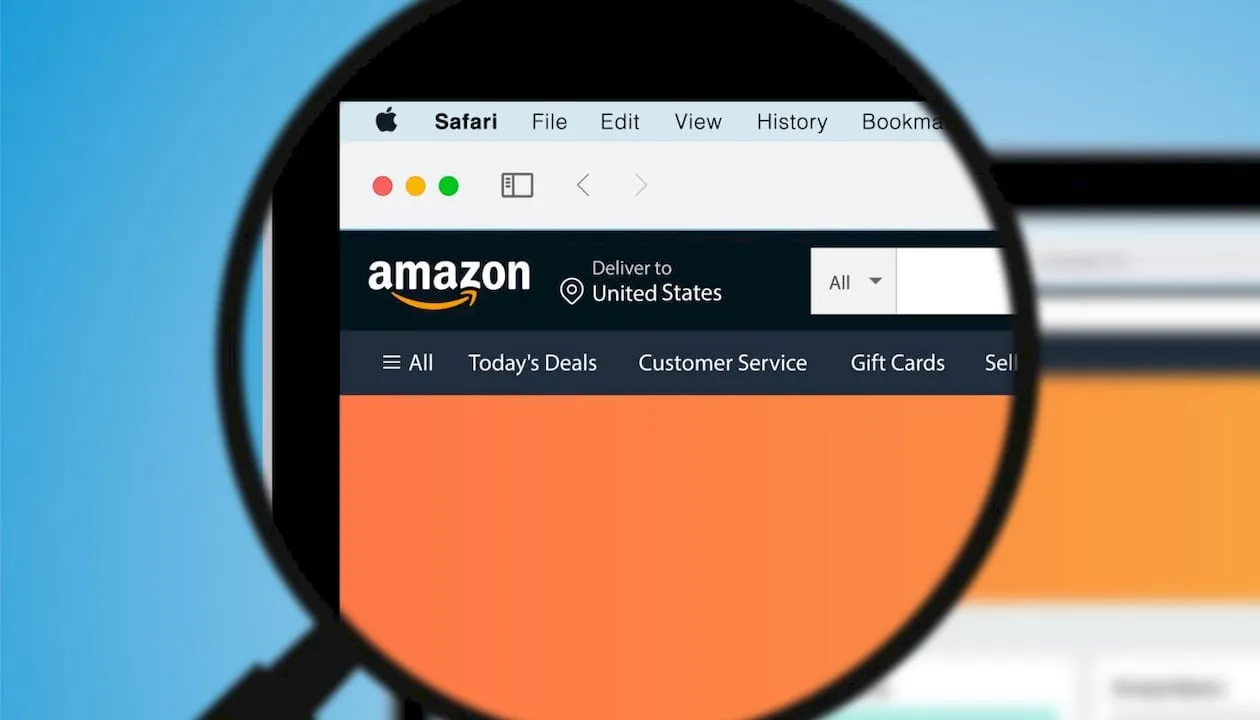
On the resolution front, Amazon and Walmart require minimum 1000px images, while Shopify performs best at 2048x2048px. These are not suggestions. Falling below these thresholds risks suppression or reduced zoom functionality, which directly hurts conversion. Understanding image quality standards across platforms is the starting point for any QA process.
Here is a quick comparison of platform image requirements:
| Platform | Minimum resolution | Ideal resolution | White background required |
|---|---|---|---|
| Amazon | 1000x1000px | 2000x2000px | Yes (main image) |
| Walmart | 1000x1000px | 2000x2000px | Yes (main image) |
| Shopify | 800x800px | 2048x2048px | Recommended |
Beyond resolution, every main image needs a pure white background with the product filling at least 85% of the frame. Supporting images can vary, but the main shot must be clean, uncluttered, and free of overlays or promotional text.
For video, each platform has distinct file standards. Amazon accepts MP4 and MOV files up to 5GB, Walmart has stricter file size limits, and Shopify supports MP4 with no mandatory duration cap. All videos should be professionally edited, under two minutes for product demos, and free of misleading claims.
Key baseline requirements to build into your internal template:
-
Resolution: Meet or exceed platform minimums for every image
-
Background: Pure white (RGB 255,255,255) for main images
-
Frame fill: Product occupies at least 85% of the image area
-
File format: JPEG or PNG for images; MP4 for video
-
Image count: Minimum 5, ideally 7-9 per listing
-
Video length: 30-90 seconds for demos, under 2 minutes total
Using an artwork selection checklist framework for internal QA helps teams catch errors before upload rather than after suppression.
Pro Tip: Build a master template in a shared project management tool where every asset gets checked against platform requirements before submission. This single step eliminates the most common suppression triggers.
Checklist item #1: Compelling main image optimization
The main image is the single most important creative asset in your listing. It is what shoppers see in search results before they ever click. It determines whether your product earns a click or gets scrolled past.

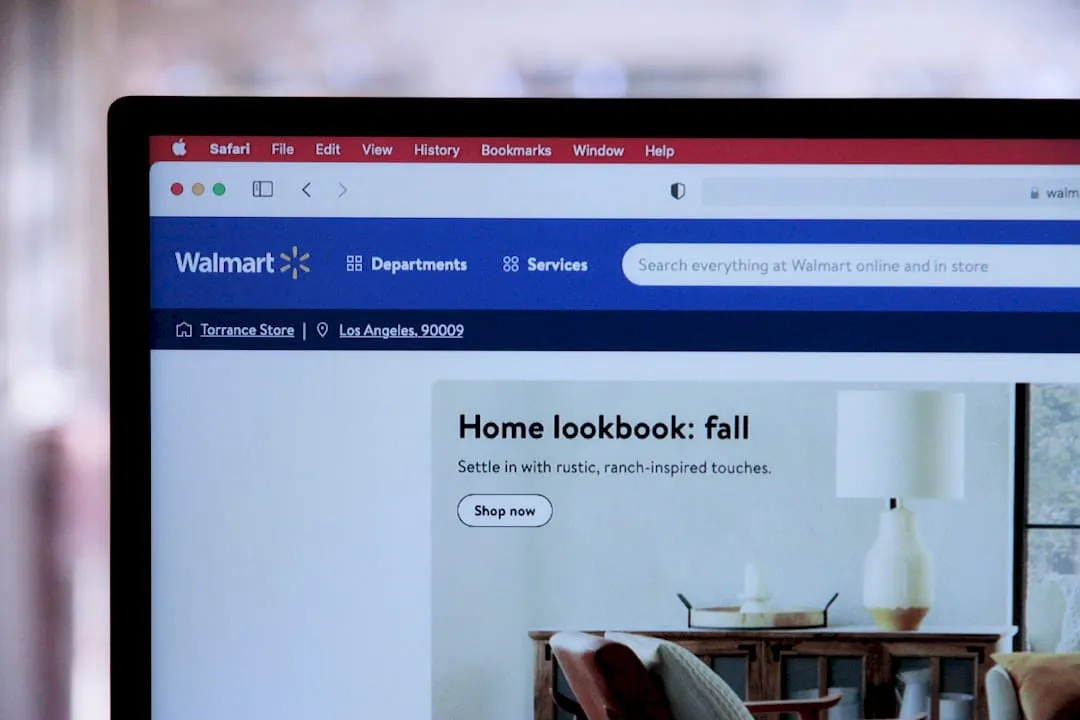
Main images require pure white backgrounds, no overlays, and at least 85% frame fill across Amazon, Walmart, and Shopify. These rules exist to create a consistent shopping experience, but they also mean your product itself has to do all the visual work. There is no room for lifestyle context, promotional callouts, or branded text in the main shot.
Here is your main image checklist:
-
Pure white background (no shadows, gradients, or props)
-
Product fills 85% or more of the frame
-
No text, logos, watermarks, or overlays
-
No mannequins for apparel unless the platform permits it
-
Multiple angles represented in supporting images, not the main
-
Image is sharp, well-lit, and color-accurate
Walmart is notably stricter than Amazon on this front. Walmart will suppress listings that use images originally shot for Amazon if those images contain any watermarks or branding elements, even subtle ones. This is a common mistake brands make when repurposing assets across channels without proper review.
“Your main image is your first impression in a crowded search result. Treat it like a product shot, not a brand moment. The brand moment comes later in the stack.”
Suppression from a non-compliant main image is one of the fastest ways to lose ranking momentum you have spent weeks building. Reviewing creative service examples from high-performing listings gives your team a concrete visual benchmark.
For QA at scale, product information management (PIM) tools let you batch-review main images across hundreds of SKUs simultaneously. This is essential for enterprise brands managing large catalogs. Applying main image best practices consistently across every SKU, not just hero products, is where catalog-wide conversion gains come from.
Pro Tip: Run a quarterly audit of all main images against current platform guidelines. Rules update frequently, and an image that was compliant six months ago may now trigger suppression.
Checklist item #2: Building an optimized image stack
Once the main image is locked, the supporting stack is where you win the conversion. Think of it as a visual sales pitch. Each image should answer a specific question a shopper might have before buying.
Image stacks of 5-9 images with varied types, including lifestyle shots, can generate a 20-40% conversion boost compared to listings with only one or two images. That is a significant lift that requires no additional ad spend.
Here is the recommended order for your image stack:
-
Main image: Pure white, product-only, 85% frame fill
-
Lifestyle image: Product in use, aspirational context, target customer
-
Infographic: Key features called out with text and icons
-
Detail shot: Close-up of materials, texture, or craftsmanship
-
Scale image: Product next to a familiar object to show size
-
Packaging shot: What arrives in the box, builds trust
-
Comparison image: How your product differs from alternatives
Platform rules for supporting images vary. Amazon allows text overlays and infographics in positions 2 through 9. Walmart is more restrictive and flags images with excessive text. Shopify has no strict overlay rules, giving you the most creative freedom. Understanding the role of creative services in each platform context helps you adapt assets without rebuilding from scratch.
| Image type | Conversion impact | Amazon allowed | Walmart allowed |
|---|---|---|---|
| Lifestyle | High | Yes | Yes |
| Infographic | High | Yes | Limited text |
| Detail shot | Medium | Yes | Yes |
| Scale image | Medium | Yes | Yes |
| Packaging | Medium | Yes | Yes |
A strong image composition guide approach helps your creative team plan each frame with purpose. Exploring types of e-commerce content for brand growth gives additional context for where each asset type fits in the buyer journey.
Checklist item #3: Adding videos and rich media for enhanced engagement
Images get shoppers to click. Videos get them to buy. For high-consideration products, a well-produced video can be the deciding factor between a purchase and an abandoned cart.
Videos add a 20-40% conversion lift for high-consideration items, and platform-specific file standards apply across Walmart and Shopify. Amazon accepts MP4 and MOV files up to 5GB with a recommended length of 15-45 seconds for sponsored content. Walmart enforces stricter file size limits and requires videos to be factual and non-promotional in tone. Shopify supports MP4 with flexible duration, making it ideal for longer demo content.
Types of video to prioritize in your stack:
-
Product demo: Shows how the product works in real use
-
Use case video: Demonstrates specific scenarios or applications
-
Testimonial or social proof: Real customer experiences build trust
-
Unboxing or packaging reveal: Reduces return rates by setting expectations
For enterprise brands, using product videos at scale requires a systematic production approach. Batch AI generation tools can create localized or variant-specific video content without rebuilding every asset from scratch. This is particularly valuable when managing dozens of SKUs across multiple platforms.
Measuring video impact matters as much as producing it. Tracking creative ROI at the asset level, using metrics like ROAS by video type, helps you identify which formats drive the most revenue. ROAS measurement by asset is the standard for enterprise-scale creative optimization.
Stat: Listings with at least one product video see up to 40% higher conversion rates compared to image-only listings, making video one of the highest-ROI investments in your creative budget.
Pro Tip: Use batch AI generation tools to produce multiple video variants for A/B testing. Testing a demo video against a lifestyle video on the same SKU often reveals surprising differences in which format converts better for your specific audience.
Checklist item #4: Content optimization, QA, and compliance
Creative assets get the click. Content closes the sale. But content errors, missing attributes, and compliance gaps are silent conversion killers that many brand managers overlook until a suppression notice arrives.
60% of sellers miss product attributes, causing visibility loss that a proper QA checklist prevents. Attribute mapping means taking every key product feature and ensuring it appears in the right field: title, bullet points, product description, and backend search terms. Each platform weighs these fields differently, so a one-size-fits-all approach does not work.
Here is a content QA checklist for each listing:
-
Title: Includes primary keyword, brand name, and key feature within character limits
-
Bullet points: Five bullets, each under 200 characters, leading with a benefit
-
Description: Uses platform-approved formatting (HTML on Amazon, plain text on Walmart)
-
Backend keywords: No duplicate terms already in the title or bullets
-
Variation structure: Parent-child relationships are correctly mapped
-
Attributes: All required fields completed, no placeholders or generic values
Understanding listing optimization benefits at a strategic level helps justify the investment in thorough QA. For day-to-day execution, following an essential product page optimization checklist keeps your team aligned across SKUs.
Walmart has specific pitfalls worth calling out. Listings with duplicate content from Amazon, especially identical titles or bullet points, are flagged for quality review. Reviewing Walmart listing tips for brands ensures your Walmart content is native to the platform, not just repurposed.
Pro Tip: At enterprise scale, automate attribute mapping using a PIM system connected to each platform’s API. This reduces manual errors and flags missing fields before submission, not after suppression.
Editorial perspective: Where most checklists fail and how to future-proof for 2026
Most creative services checklists stop at compliance. They tell you what to include but not how to keep it working over time. That is where brands lose ground.
The biggest gap we see is creative fatigue. Brands launch a strong image stack, see good initial results, and then leave those same assets untouched for 12 to 18 months. Meanwhile, competitors are rotating variants, testing new lifestyle contexts, and updating infographics to reflect seasonal relevance. Testing variants systematically is essential to combat creative fatigue, especially on Walmart where overlay restrictions mean your visual differentiation has to come from composition and context, not text.
For 2026, the brands that win are building modular asset libraries. Instead of one lifestyle image, they have four. Instead of one infographic, they have versions optimized for mobile thumbnails, desktop, and video bumpers. This modularity makes platform updates far less disruptive. Understanding planning creative services as an ongoing system, not a one-time project, is the mindset shift that separates high-growth brands from stagnant ones.
A checklist is a starting point. A living creative strategy is what drives compounding returns.
Turn your checklist into lasting brand growth
A checklist tells you what to do. An experienced creative partner helps you do it at scale, consistently, across every SKU and every platform. Nectar’s e-commerce creative services are built specifically for mid-sized and enterprise brands that need more than a template.
From in-house photography and video production to data-driven listing audits, Nectar connects every creative decision to measurable revenue outcomes. Whether you are scaling on Amazon optimization solutions or expanding your Shopify listing support, the iDerive analytics platform gives you asset-level ROAS visibility that generic agencies simply cannot match. Connect with Nectar for a tailored listing audit and see exactly where your creative assets are leaving revenue on the table.
Frequently asked questions
What image size is best for product listings on Amazon, Walmart, and Shopify?
Amazon and Walmart require minimum 1000x1000px, while Shopify recommends 2048x2048px for optimal zoom and display quality across devices.
How many images should I use in a product listing?
Aim for 5-9 images, including lifestyle, detail, infographic, and packaging shots. Including 7 images can improve conversion rates by 30-40% compared to listings with fewer assets.
What causes product listing suppression on Amazon and Walmart?
Suppression is most commonly triggered by missing product attributes, non-white main image backgrounds, or prohibited overlays. 60% of sellers miss attributes that directly cause visibility loss.
Do product videos really increase conversions?
Videos add a 20-40% lift for high-consideration items, making them one of the highest-ROI additions to any product listing.
How can I automate creative asset optimization at scale?
Use asset management platforms, batch AI generation, and automated QA checklists. Automation and asset-level ROAS measurement are the standard tools for enterprise-scale creative optimization.
Recommended
.png)