Ad cannibalization on Amazon happens when your own campaigns, match types or products compete for the same shopper search, so budget, clicks and conversion data get split across them instead of working together. It is rarely a case of paying more per click because you “bid against yourself.” The real cost is fragmented data, wasted spend and reports you can no longer trust. Some overlap is deliberate and healthy. The job is to tell the difference and fix only the overlap that hurts.
TL;DR
- Cannibalization means two or more of your campaigns, ad groups or ASINs chase the same search term, which fragments budget, sales data and bid signals.
- Amazon’s auction is built around one advertiser’s eligible ads, so the damage usually shows up as muddy data and misallocated budget, not a doubled CPC.
- Find it by pulling the search term report and looking for the same query earning clicks in more than one campaign.
- Fix it by giving each high-spend term one owner campaign and blocking it elsewhere with negative exact keywords.
- Keep deliberate overlap, such as brand defense or an auto campaign running for discovery, as long as you can still read the results.
What ad cannibalization means on Amazon
Amazon’s Sponsored Products are cost-per-click, auction-based ads: you set a maximum bid, keywords are matched to customer shopping queries, and a more competitive bid makes your ad more likely to show. That design is simple on a single campaign. It gets messy when an account has dozens of campaigns built by different people over several years.
Cannibalization appears in a few forms:
- Match type overlap. The same keyword sits in a broad, phrase and exact campaign, and all three are eligible for one shopper query.
- Auto versus manual overlap. Your automatic campaign keeps matching a query you already target manually, so the discovery campaign continues to spend on a term it already “graduated.”
- Ad type overlap. Sponsored Products and Sponsored Brands campaigns target the same terms with no clear role for each.
- Product overlap. Several of your ASINs, often near-identical variations or older and newer versions, chase the same keywords and split sales velocity.
- Paid versus organic overlap. You pay for clicks on a term where your listing already ranks first organically.
The same logic is familiar to anyone who has worked on search engine rankings. If you want a parallel from the organic side, keyword cannibalization in SEO describes how several pages competing for one query dilute each page’s performance. On Amazon, the “pages” are your campaigns and listings, and the diluted asset is your data.
Can you really bid against yourself?
This is the most common misconception, and it is worth getting right before you rebuild anything.
In practice, Amazon does not run two of your ads against each other in the same auction and charge you the higher price. The platform picks one eligible ad from an advertiser to enter a given auction. That means a duplicated keyword does not automatically raise what you pay for a click. Be skeptical of any advice that treats overlap as a guaranteed CPC tax.
This is also why a search term report that lists the same query under two campaigns does not prove those two ads entered the same auction. It proves something narrower and still important: both campaigns are eligible, both are spending, and you have lost control over which one gets the traffic.
So what is the actual damage?
- Split budget. One campaign hits its daily cap while a duplicate quietly underspends, and the wrong one wins the traffic.
- Split conversion data. The performance of one term is spread across campaigns, so no single campaign has enough history to optimize well.
- Contradictory bid signals. You raise a bid in one campaign because the term converts, while a sibling campaign with a different bid is still taking part of the traffic.
- Unreadable reports. You cannot say which campaign earns a term’s sales, which makes every budget decision a guess.
- Cannibalized organic sales. You pay for clicks you might have earned for free.
These are the reasons we treat cannibalization as a measurement and control problem first, and a cost problem second.
Signs your campaigns are cannibalizing each other
You rarely see a single alarming number. You see patterns. Look for these:
- A high-spend term appears in several campaigns. If one query takes meaningful spend across three campaigns, the account has no clear owner for it.
- Daily budget caps tell a lopsided story. One campaign runs out of budget early in the day while its near-duplicate barely spends.
- Conversion data is thin everywhere. A term clearly sells, yet no campaign shows enough orders to justify confident bid changes.
- Rising spend, flat sales. Total ad spend grows, while sales on your top terms stay roughly the same.
- Your auto campaigns keep spending on proven terms. Terms you already run in exact match still show up in discovery campaign reports.
- Branded terms are eating non-brand budgets. Existing customers searching your name are being served by campaigns meant for acquisition.
The reliable test is to compare performance for the term across campaigns, not campaign-level totals alone. A campaign can look healthy on ACOS while it steals orders from a better-structured sibling.
How to find overlapping search terms
Amazon’s own reporting gives you what you need. The search terms report shows the shopper searches that resulted in at least one click, and Amazon points to it as a way to find strong searches to add as keywords and weak ones to add as negatives. We use it for a third job: finding overlap.
A practical audit workflow
- Export the search term report for a meaningful window, long enough to include slower-moving terms. Include Sponsored Products and, where relevant, Sponsored Brands.
- Combine the data in one sheet with columns for campaign, ad group, match type, customer search term, impressions, clicks, spend, orders and sales.
- Pivot by customer search term and count how many distinct campaigns received clicks on each one.
- Filter to terms with clicks in two or more campaigns. Sort by combined spend, so you start with the terms that cost the most.
- For each term, compare campaigns side by side: spend, orders, conversion rate and ACOS. Note which campaign performs best and which has the cleanest data.
- Tag each overlap as intentional (brand defense, discovery, different ASIN) or accidental.
One caution: a term showing in several campaigns shows shared spend and fragmented control. It does not prove the ads collided in an auction. Treat the pivot as a prioritized worklist, not a verdict.
For enterprise accounts with thousands of campaigns across Amazon and Walmart, this is where a unified data layer pays off. Our iDerive analytics platform brings marketplace data into one place, so overlap like this is visible without stitching exports together by hand.
Harmful overlap or healthy overlap?
Not every duplicate is a defect. Before you start adding negatives everywhere, sort what you found.
Overlap that usually makes sense
- Brand defense. Running your brand name across campaigns keeps competitors from taking those placements and protects existing customers.
- Purposeful discovery. An auto or broad campaign kept on to surface new queries will naturally touch terms you already target.
- Different ASINs. Two products can legitimately target a shared category term if each has a distinct role.
- Different ad types. Sponsored Products and Sponsored Brands can each serve a shared term differently, provided you know what each is meant to do.
Overlap that usually needs fixing
- It splits a budget so that neither campaign can scale.
- It dilutes the data you rely on to set bids.
- It sends contradictory bid signals on one term.
- It hides performance, so reports cannot tell you what works.
The test is simple: can you explain why each campaign needs to touch that term, and can you read the result? If the answer to either is no, the overlap is a candidate for cleanup.
There is also an honest disagreement among practitioners. Some argue that negating a converting term out of a source campaign can reduce visibility and disrupt bid optimization, and that a measure of overlap can buy extra reach. We take that seriously. It is the reason we recommend changes in stages and measuring after each one, instead of a sweeping cleanup.
How to fix Amazon ad cannibalization
1. Give every high-spend term one owner
Choose the campaign that should own each important term. Usually that is a tightly structured exact-match campaign with a clean history and a bid you can defend. Record the owner in your sheet so the next person to touch the account understands the logic.
2. Block the term everywhere else
Add the term as a negative exact keyword in the discovery campaigns, whether auto, broad or phrase, that overlap with a term already owned in exact match. Amazon says negative keywords prevent ads from being triggered by specified shopping queries and can reduce overinvestment, which can improve metrics such as CTR, CPC and ACOS. If you want ready-made structures, our guide to negative keyword templates and agency governance covers how to organize them.
This is the standard “search term isolation” approach: the proven query lives in one dedicated exact campaign and is kept out of the broader ones, so discovery campaigns keep finding new terms rather than re-buying old ones.
3. Tighten ad groups around related products
Amazon recommends keeping closely related products together in an ad group, because keyword or product targeting and bids apply to every product in that group. Dissimilar products in one ad group force a single bid and a single set of targets onto items that deserve different ones, which is a common root of overlap.
For Sponsored Brands, Amazon notes that ad groups can organize campaigns by brand, keyword, product, category, ad format, landing page or other classifications tied to your goals. Pick one logic and apply it consistently.
4. Separate audiences with negative targeting
Negative targeting does not only apply to keywords. In one Amazon case study, an author used negative targeting to exclude keywords, phrases and products that were a poor fit, which helped separate ads for his sci-fi books from ads for his thrillers. The same idea applies to brands with multiple product lines that pull each other’s traffic.
5. Understand what your automatic targeting is doing
Amazon’s best-practices guide explains that automatic targeting can match closely or loosely related shopping terms and similar or complementary product detail pages. That breadth is the point of an auto campaign, and also why it is the most frequent source of accidental overlap. Review its search term report on a regular rhythm and graduate winners into their owner campaign.
6. Resolve product-level overlap
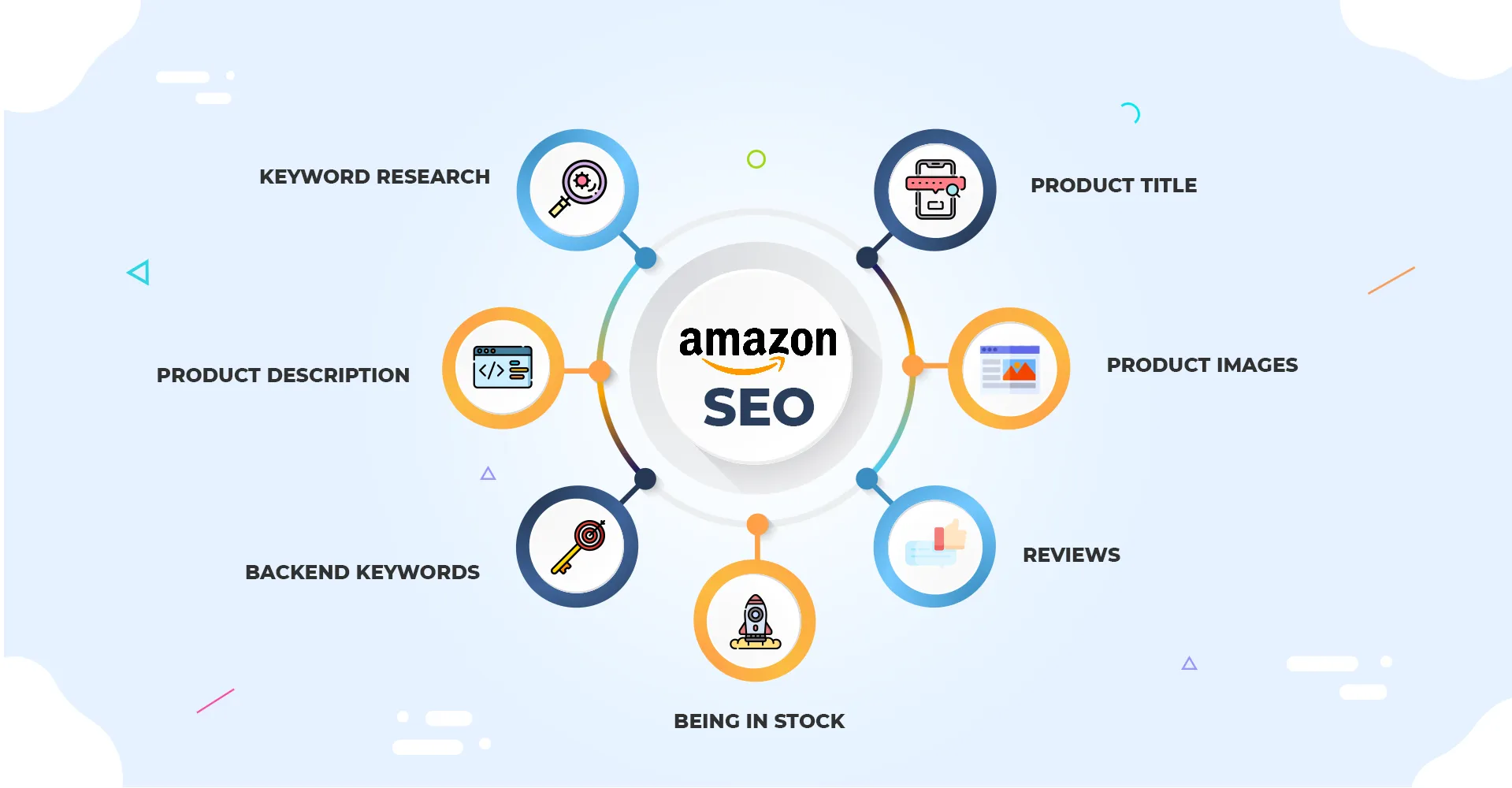
If several of your ASINs chase the same terms, decide which one should lead. Consolidate variations where it makes sense, and make sure each listing’s title, bullets and backend terms point at distinct priorities. Our write-ups on Amazon search terms and Amazon SEO best practices go deeper on how listing content and ad targeting reinforce each other.
7. Check paid against organic
For terms where you already rank at the top organically, ask whether the ad is still earning incremental sales. Some of those clicks would have come anyway. Others protect the position against competitors. Measure the term before cutting, since the right answer depends on the category and the competition.
A worked example
Imagine a home goods brand with one top-selling item and three campaigns:
- An auto campaign for discovery.
- A broad-match manual campaign for category terms.
- An exact-match campaign for the proven keywords.
The search term report shows one high-intent query earning clicks in all three. The exact campaign has the best conversion rate and the cleanest history, but it keeps running out of budget by early afternoon, while the other two continue to take a share of the term all day.
The fix: keep the exact campaign as the owner, raise its budget to match the term’s real demand, and add that query as a negative exact in the auto and broad campaigns. Those two keep spending on new queries instead. Then watch the exact campaign’s orders for the term, the discovery campaigns’ new-term yield, and total sales for two to four weeks before touching anything else.
The numbers here are illustrative, not a benchmark, but the pattern is the one we see most: the budget was never too small overall, it was parked in the wrong place.
Governance: keeping it fixed
Cleanup decays without rules. Accounts drift back into overlap as new campaigns launch, so build a few habits:
- A naming convention that shows match type, role (discovery, owner, defense) and product.
- A launch checklist that asks whether a new campaign’s terms already have an owner.
- A recurring overlap review, such as monthly or around major promotions, using the same pivot as the audit.
- A shared log of which terms are owned where and why.
Promotional events deserve extra attention. Spend ramps up quickly, budgets run out fast, and sloppy overlap gets expensive. Our Ad Intel tips for Amazon shopping events are a good companion for that planning.
Our perspective
Most cannibalization we see is an organizational problem wearing a technical costume. Several teams, several agencies and several years of launches leave an account where nobody can say why a campaign exists. The fix is rarely a clever bid tactic. It is a clear structure, one owner per important term, and reporting that makes ownership visible.
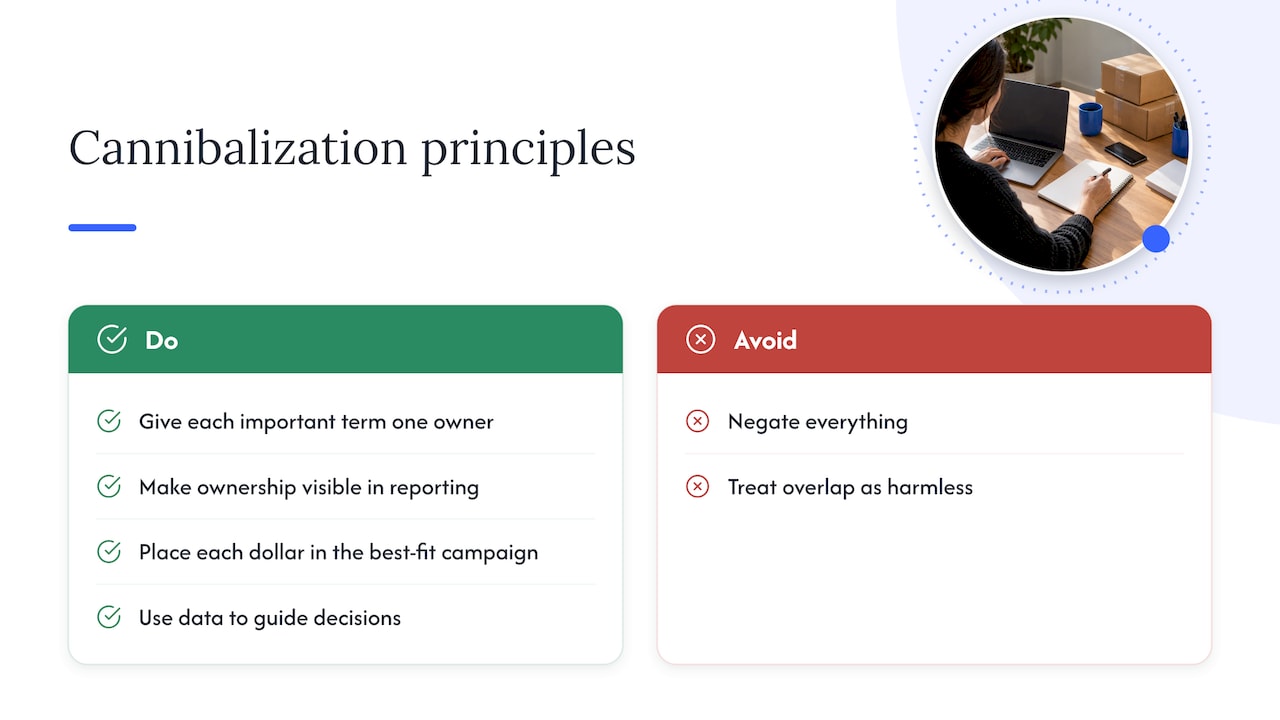
We also push back on two extremes. One says overlap is always a disaster, so negate everything. The other says Amazon only enters one of your ads per auction, so overlap is harmless. Both miss the point. The auction mechanics may protect your CPC, but they do not protect your data, your budget allocation or your ability to learn. A profit-first approach asks a different question: does each dollar sit in the campaign best placed to turn it into a profitable order, and can we prove it?
That is why we pair advertising management with unified data. When retail media, catalog and creative decisions sit in one view, overlap stops being a hidden tax and becomes something you can see, size and decide about.
— Dan Katona
Get a structure that holds up
If your account has grown into a tangle of campaigns and nobody can say which one owns which term, we can audit it and rebuild the structure around profit, not activity. Our team manages Amazon sponsored ads across Sponsored Products, Brands and Display, and connects them to Amazon DSP and the rest of your marketplace growth. Explore our Amazon growth and optimization services to see how it fits together.

FAQ
Does Amazon charge me more when my campaigns overlap?
Not directly. Amazon selects one eligible ad from an advertiser to enter an auction, so duplicated keywords do not usually inflate your CPC by themselves. The cost shows up elsewhere: split budgets, fragmented conversion data and unclear reports that lead to worse decisions.
Should I always add negative keywords to stop overlap?
No. Brand defense, discovery campaigns and campaigns for different ASINs can justify some overlap. Add negatives when overlap splits a budget, dilutes your data or sends conflicting bid signals, and change things in stages so you can measure the effect.
How do I find cannibalization in my account?
Export your search term reports, combine them and pivot by customer search term. Filter for queries that earned clicks in two or more campaigns, then rank them by combined spend. That list shows shared spend and fragmented control, which is where to look first.
Can sponsored ads cannibalize my organic sales?
Yes, on terms where your listing already ranks well. Some paid clicks may have been free anyway. Others defend your position against competitors, so test before cutting spend on those terms.
How often should I review overlap?
A monthly review suits most accounts, with an extra check before and after major promotional events when budgets move quickly. Accounts with frequent campaign launches or several teams in the same account benefit from a launch checklist as well.
Sources
- Amazon Ads: FAQs, advertising questions and resources
- Amazon Ads: Creating and using reports
- Amazon Ads: Best practices for your Sponsored Products ads
- Amazon Ads: An author’s Sponsored Products advertising strategy
Recommended