
Walmart rich media is the set of enhanced visual and interactive modules — video, 360-spin images, photo galleries, comparison graphics, and downloadable assets — that appear below the main product images on a product detail page (PDP). According to Walmart’s official rich media guide, adding these modules can improve search results, increase conversions, and reduce returns. The fastest path to results: start with your three highest-revenue SKUs, confirm you hold the rights to every asset, and upload through Seller Center’s Media Library.
Three actions to take right now:
The three sources of truth you’ll return to throughout this process: Walmart Seller Center, the Media Library, and the Product details policy.
Key Takeaways
Walmart rich media, uploaded through Seller Center’s Media Library, is one of the most direct levers a brand manager has for improving search visibility, conversion rate, and return rate on Walmart Marketplace simultaneously.
What does Walmart rich media include, and why does it matter?
Rich media on Walmart covers more ground than most sellers realize. The supported content types go well beyond a standard product photo:
The business case is straightforward. Walmart’s search algorithm factors in content completeness, so a PDP with rich media tends to rank higher than a bare listing with identical copy. Higher visibility drives more clicks, and richer content closes more of those clicks into purchases. The returns benefit is equally concrete: shoppers who can watch a demo video or spin a product 360 degrees arrive at checkout with fewer unresolved questions, which means fewer “not as described” returns.
Three quick use-case fits:
Which rich media formats does Walmart support?
Walmart supports several distinct module types. Knowing which one fits your product saves time and avoids upload errors.
Video
The most versatile format. A 60–90 second demo or lifestyle video typically outperforms longer cuts on retail PDPs. Keep the file under 100 MB and the title under 200 characters per Walmart’s Media Library specs. MP4 is the standard accepted format. Front-load the product’s core benefit in the first five seconds — most shoppers won’t watch past that point if the opening is generic.
360-spin images
A sequence of multiple JPG or PNG frames, each under 1 MB, captured at consistent angles on a rotating rig. The result is an interactive spin that shoppers can drag. Best for products where angle and depth matter: appliances, bags, shoes, furniture. Capture against a neutral background and include one frame with a scale reference object to reduce sizing confusion.
Photo galleries
Additional images beyond the hero shot. Use these for detail views, lifestyle context, or packaging shots that don’t fit the main image slot. Follow the same image quality standards as primary product images.
Comparison and feature graphics
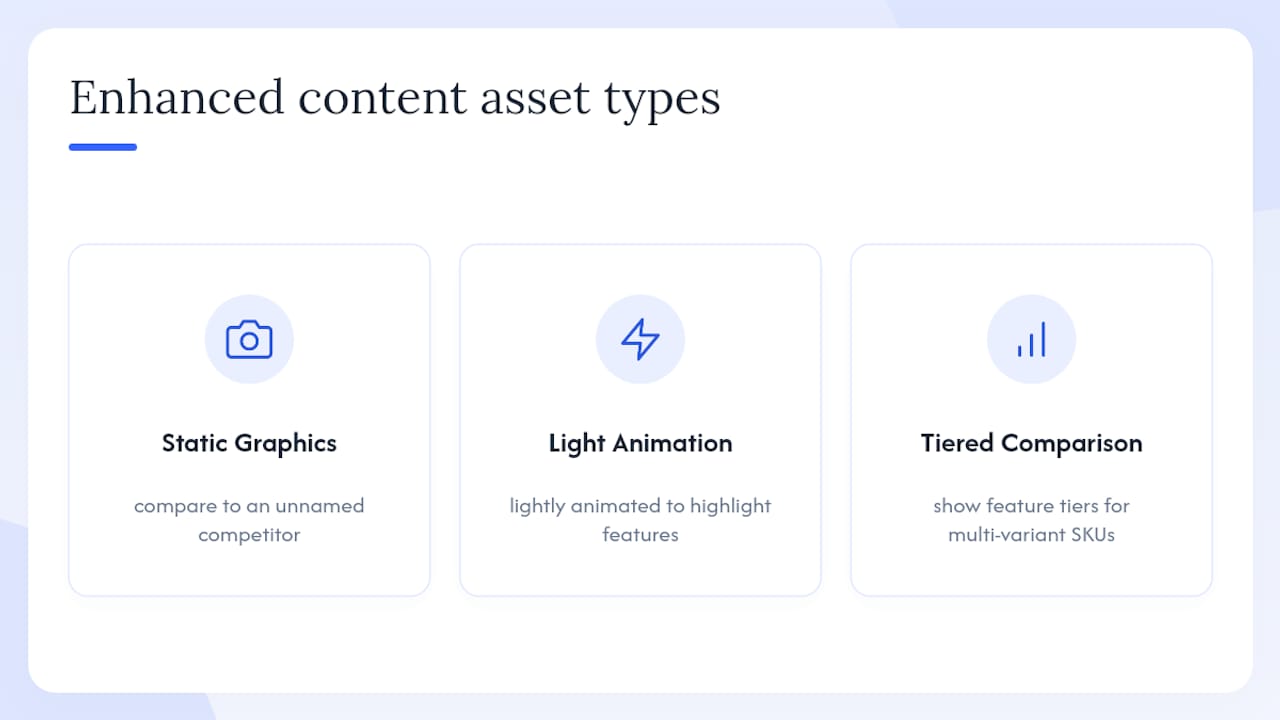
Walmart calls these enhanced content assets. They’re static or lightly animated graphics that compare your product to a competitor’s (without naming the competitor) or highlight feature tiers. Useful for multi-variant SKUs or products with a technical spec story.
Downloadable documents
PDF spec sheets, assembly guides, or size charts. Shoppers in categories like furniture, electronics, and fitness equipment actively look for these before purchasing.
Animated assets and GIFs
Walmart permits animated content under specific conditions. Check the technical requirements PDF for current file-format rules before submitting animated assets, since GIF support and loop behavior are subject to policy updates.
Pro Tip: Build your video creative with the sound off. A large share of Walmart shoppers browse on mobile with audio muted, so captions and on-screen text aren’t optional — they’re the message.
How do you upload rich media through Seller Center?
The Media Library in Seller Center is the control center for all rich media submissions. The path is Catalog > Media Library > Add Media, as documented in Walmart’s Media Library guide. Here’s the full workflow:
For enterprise catalogs with hundreds of SKUs, the manual UI becomes a bottleneck fast. Walmart’s developer API endpoint supports programmatic rich media updates via a structured feed file, which is the more reliable path for bulk assignments. The feed file specifies the action type, GTIN, and asset URL for each item, letting you push updates across your full catalog without touching the UI.
Designer note: When producing screenshots for internal training materials, capture the Add Media button, the drag-and-drop upload zone, and the GTIN mapping field — those three UI elements are where most first-time users get stuck.
What are the technical specs and pre-submission checklist?
Getting rejected on upload is avoidable. Most failures trace back to a handful of spec violations or missing metadata. The submission checklist PDF and the technical requirements PDF are the authoritative sources — download both before your first submission.
Core specs to know:
Pre-submission checklist:
Common errors and quick fixes:
What categories are restricted, and how do you stay rights-compliant?
Not every product is eligible for rich media. Walmart blocks submissions for certain categories, and attempting to upload video for a restricted product returns an error rather than a pending review. Restricted categories include alcohol, tobacco, and firearms, among others specified in Walmart’s Product detail page policy. If you receive a category-restriction error, the asset itself isn’t the problem — the product type is ineligible.
Rights compliance checklist:
Pro Tip: Version-control your rights documentation the same way you version-control your creative files. When a model release expires or a music license lapses, you need to know which assets are affected before Walmart tells you.
How do you optimize rich media to actually lift conversions?
Uploading compliant assets is the floor. Getting a measurable conversion lift requires deliberate creative choices and a structured measurement cadence.
Creative tactics that move the needle:
For deeper creative guidance on product imagery best practices across Walmart and other channels, that resource covers cross-platform asset production in detail.
Measurement framework:
Track these metrics in Seller Center and Walmart analytics after publishing rich media:
A/B testing rich media on Walmart isn’t as straightforward as on owned channels, but you can run a controlled comparison by adding rich media to one variant of a product and leaving a comparable SKU without it, then tracking performance over 30 days. Agencies using incrementality measurement tools, like Nectar’s iDerive platform, can isolate the contribution of rich media from other listing changes running simultaneously.
A typical lift scenario: a home goods brand adds a 360-spin and a 90-second demo video to its top-selling item. Over 60 days, the return rate drops and the conversion rate climbs relative to comparable SKUs without rich media. The 360-spin addresses the “will this fit my space?” question; the video answers “how does this actually work?” Together, they close the two most common pre-purchase objections.
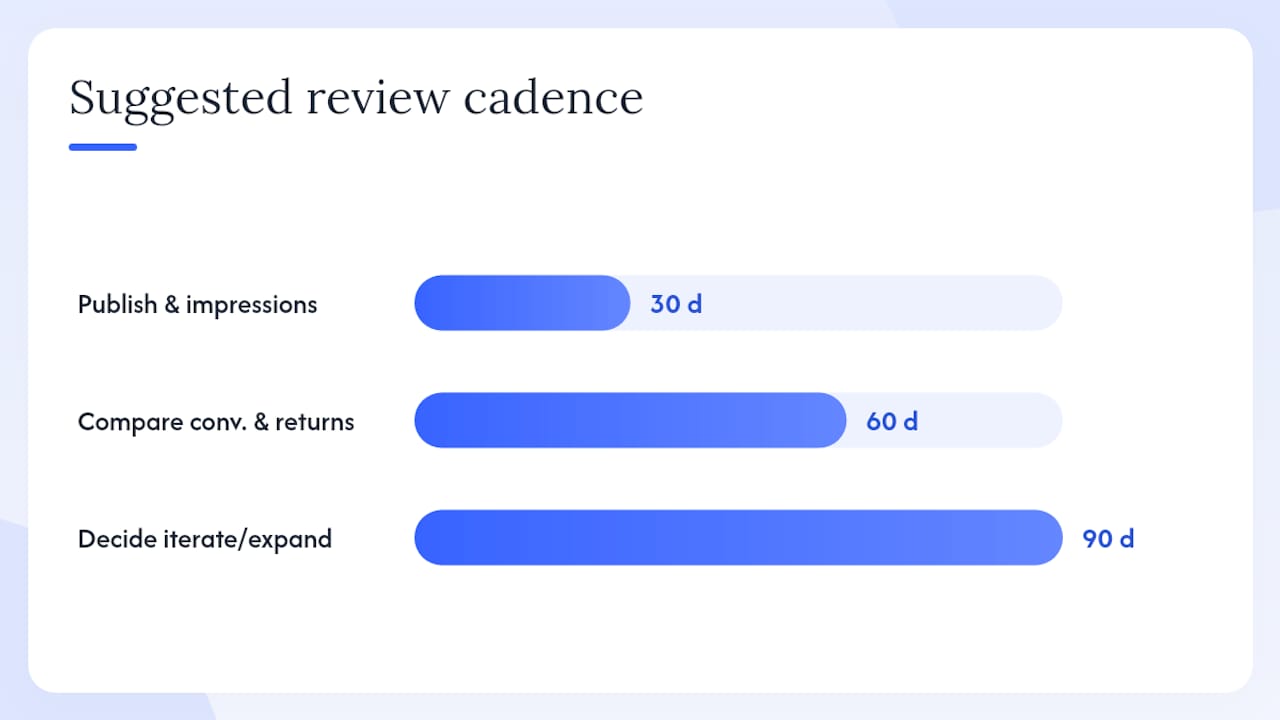
Suggested review cadence:
For a broader view of listing optimization tactics that pair with rich media, that guide covers keyword, copy, and content strategy together.
Why do assets get blocked, and how long does publishing take?
Most disabled or unpublished assets fall into one of a few categories:
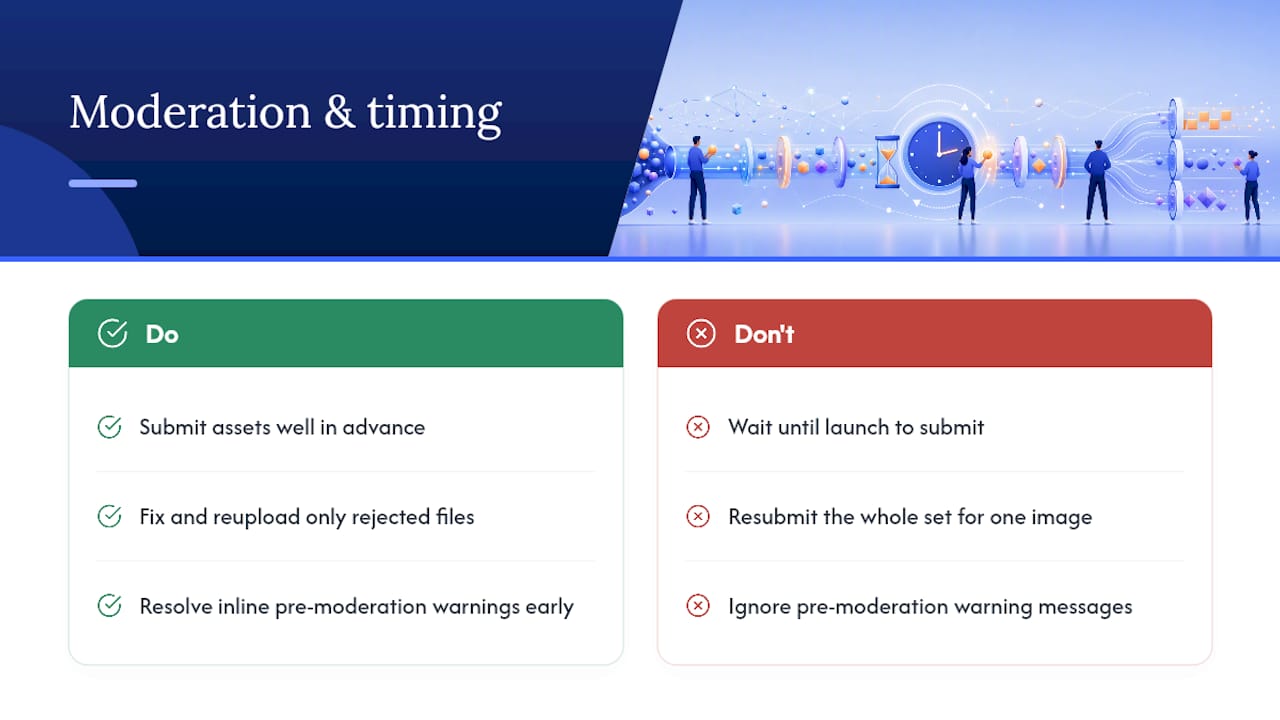
Publishing timeline: video assets take longer to process than images because Walmart transcodes the file after upload. Expect processing to take at least several hours; in some cases it extends to one to two business days. Image-based modules typically process faster. The Media Library dashboard will show the asset status as Processing, Published, or Disabled — check it the day after submission rather than immediately.
Escalation steps when an asset stays disabled:
An agency perspective on getting this right
The sellers who get the most out of Walmart rich media aren’t the ones who upload the most assets. They’re the ones who treat the first week as a scoping exercise, not a production sprint.
First week priorities:
First month priorities:
One non-obvious insight from agency operations: assets built for Walmart rich media can often be repurposed directly for Walmart Connect advertising campaigns with minimal re-editing. A 90-second demo video can be cut to a 15-second sponsored brand video ad. A 360-spin sequence can yield static hero images for display. Building with reuse in mind from the start cuts your per-asset cost significantly across the full Walmart advertising strategy.
On measurement: Nectar uses its iDerive analytics platform to isolate the incremental contribution of rich media from other listing and advertising changes. That separation matters because conversion rate improvements on a PDP can come from copy changes, price adjustments, or ad spend increases — not just creative. Without incrementality measurement, you’re crediting the wrong lever.
Nectar manages Walmart rich media so your listings perform
Producing compliant, high-converting rich media for Walmart takes more than a camera and a Seller Center login. It requires creative production that meets Walmart’s technical specs, a rights management process that holds up to policy review, and measurement that tells you what’s actually working.

Nectar’s fully managed Walmart services cover end-to-end rich media production — video, 360-spin, comparison graphics, and downloadable assets — alongside catalog management, compliance, and retail media buying. The iDerive platform tracks performance at the SKU level, so every creative decision is backed by real conversion and return data, not guesswork. If your listings are underperforming and you’re not sure whether the problem is creative, copy, or spend, that’s exactly the conversation to have. Talk to Nectar to get a Walmart listing audit and a clear path forward.
Official Walmart resources for rich media specs and submissions
Go to these sources directly rather than relying on third-party summaries, which go out of date faster than Walmart’s own documentation:
Walmart’s Product details policy governs rights, accuracy, and content standards for all rich media. Review it before submitting any asset, and revisit it whenever Walmart announces a policy update.
Sources
Recommended







































































.webp)